Gallery
A quote maker in your own layout — totals worked out, printed on one page, no AI while you use it
Every quote starts from last month’s file: change the client, fix the numbers, check the tax by hand, hope the layout still fits one page. The client list and prices live in three places, and the quote service you could pay for wants your data in its cloud and its own layout.
How it was made
This is the whole request, exactly as it was typed into Bohm. Copy it and you can make the same app.
“An app for making quotes. Save my company details (name, tax ID, owner, address, phone) once, and keep my clients and items (name, unit price) too. Each new quote gets a number automatically and shows the subtotal, 10% tax and total, laid out as a one-page A4 quote I can print or save as a PDF. Let me reopen or duplicate past quotes from a list.”
Say what you need.
Type the app into “What should we make?”.
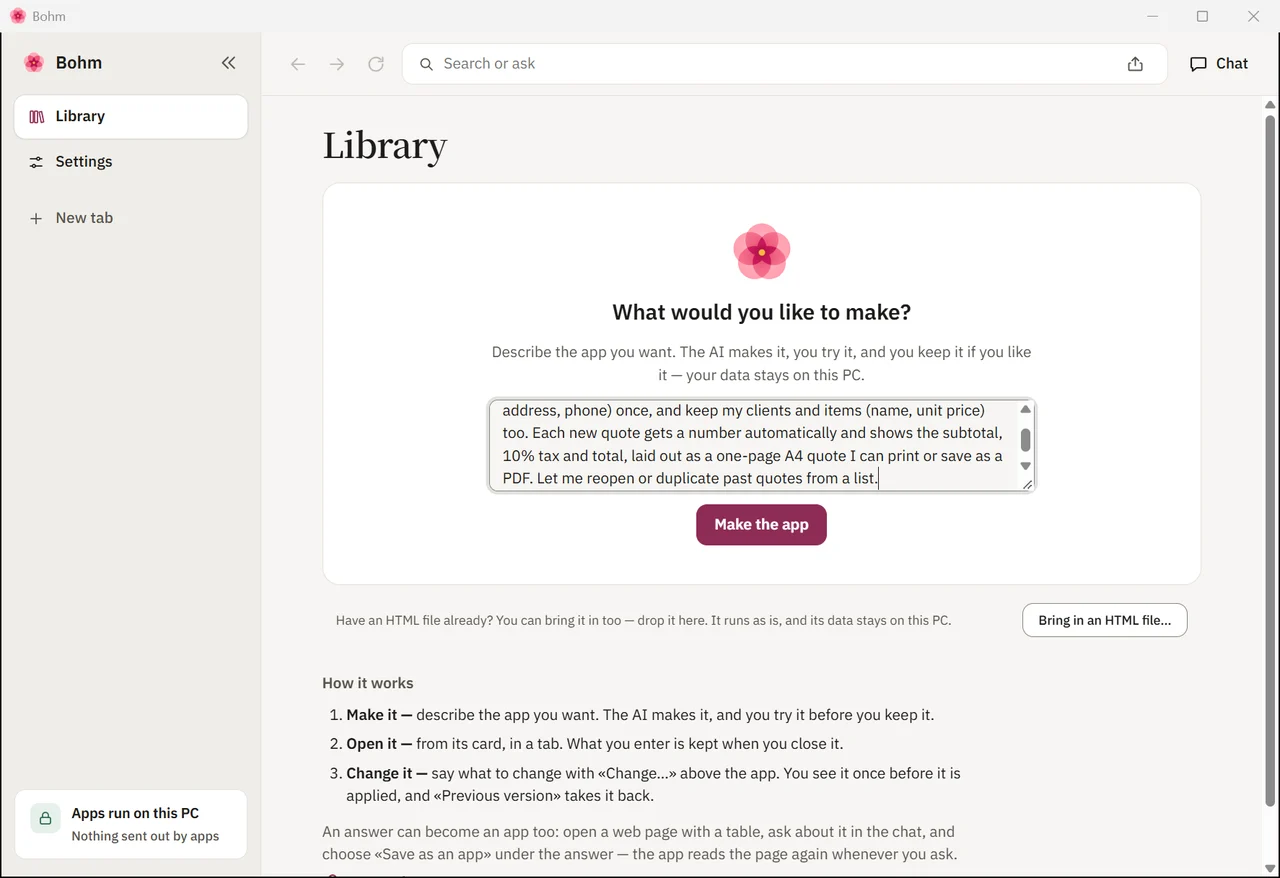
Watch it being written.
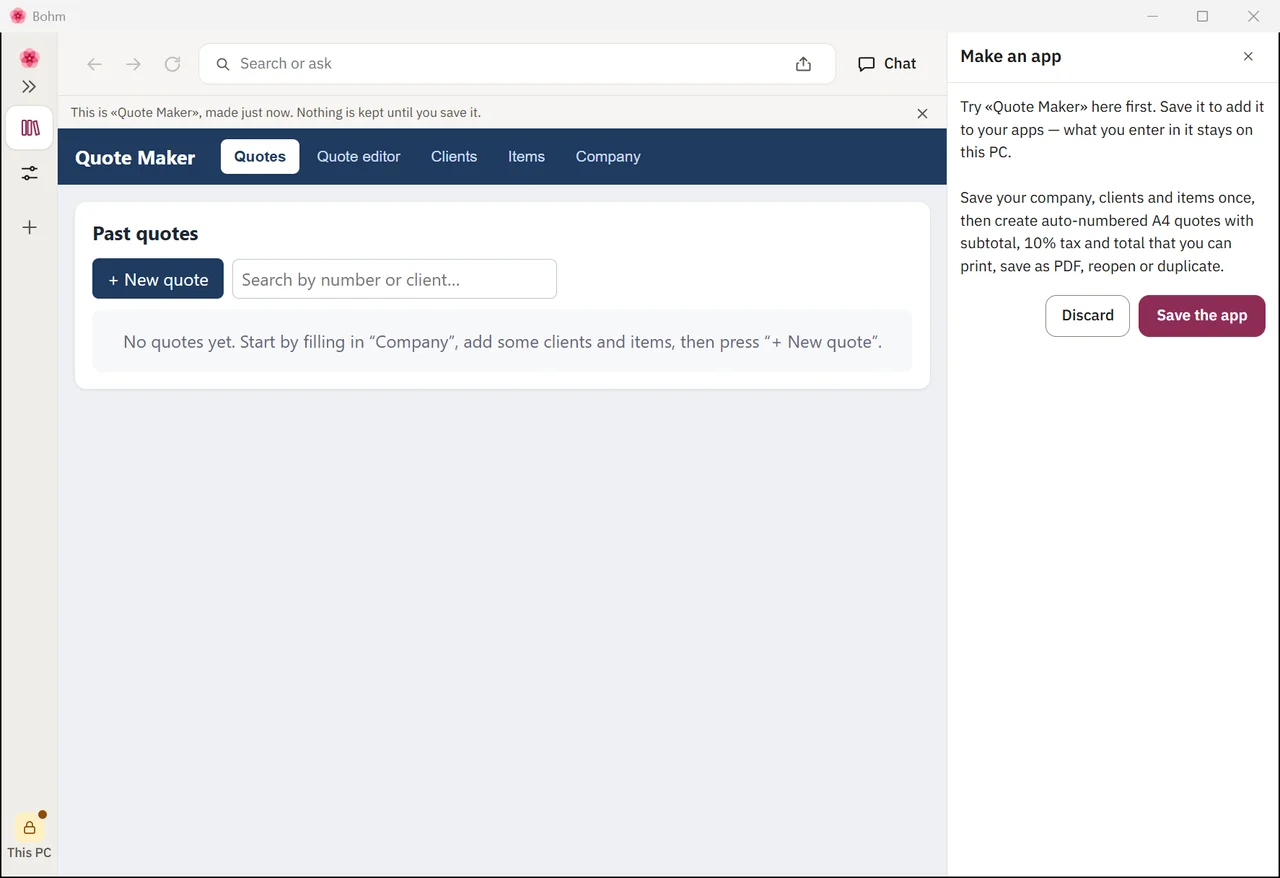
The AI writes the app; you can follow along.
Try it, then keep it.
Nothing is kept until you save it.
How it is used
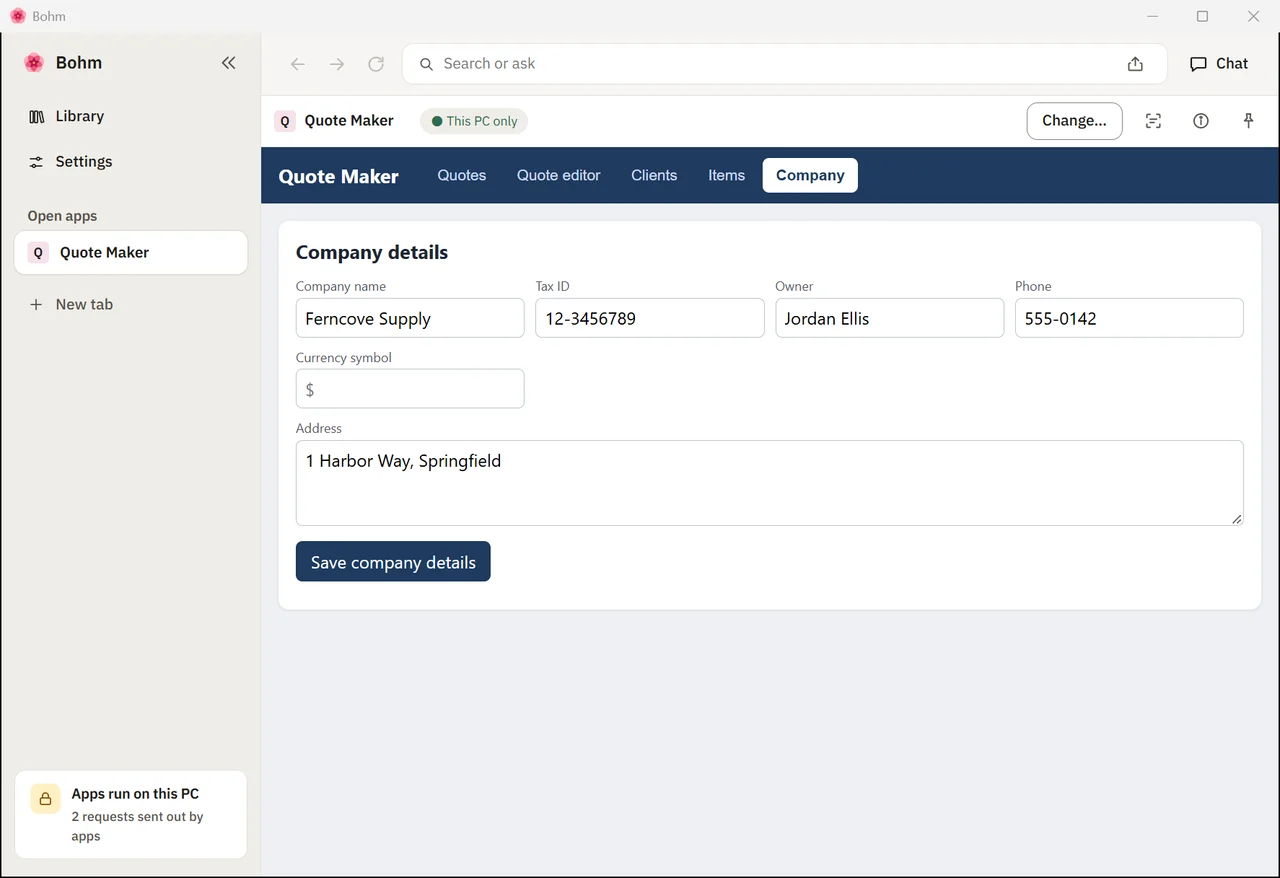
Your company, once.
Name, tax ID, owner, address — every quote fills them in. Clients and items with their prices are kept the same way.
A quote in a minute.
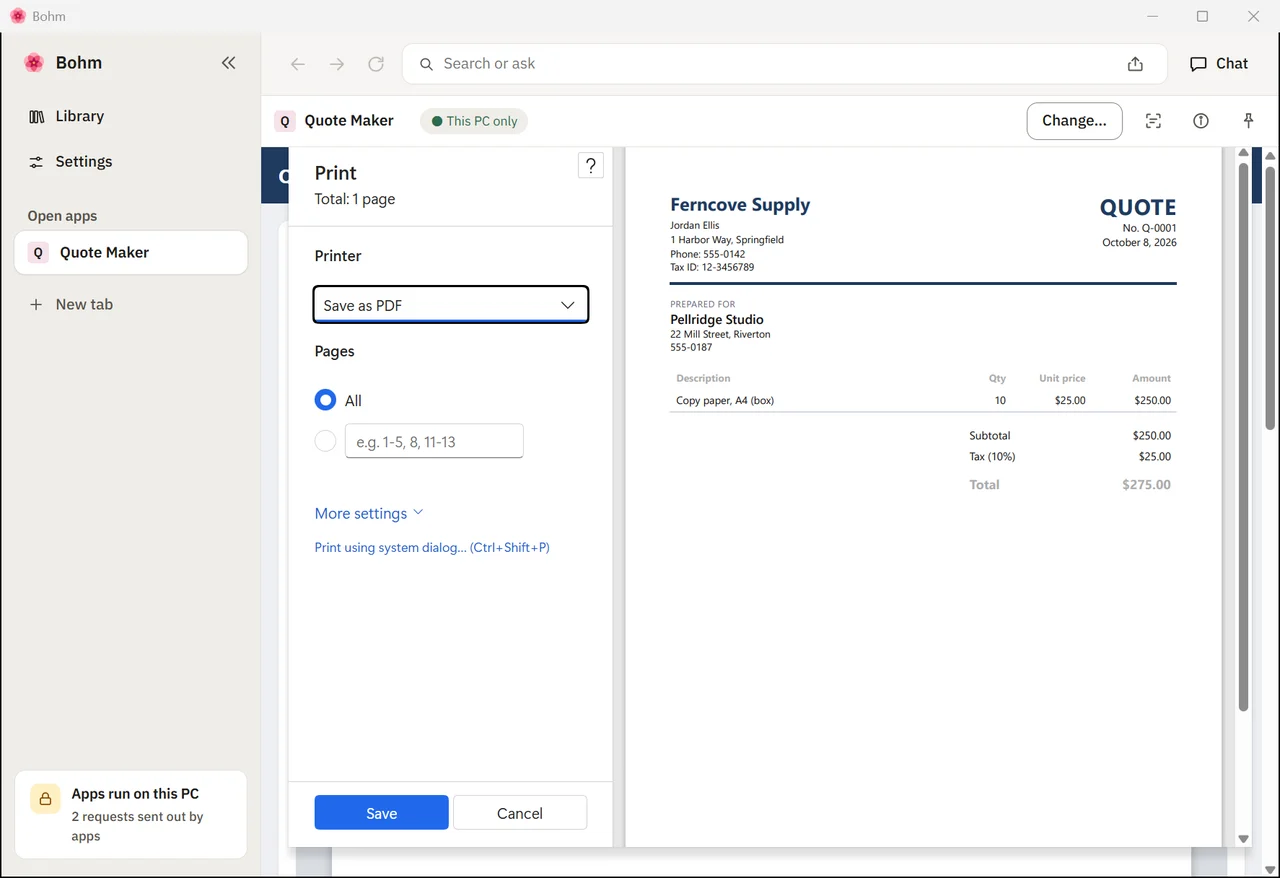
Pick the client and the item, type the quantity — the subtotal, tax and total follow.
One page, printed or PDF.
Print opens the browser’s own preview: one page, no web address in the margins. Choose a printer, or save as PDF.
Past quotes, reopened or duplicated.
Every quote is kept in a list — open it, print it again, or duplicate it for the next client.
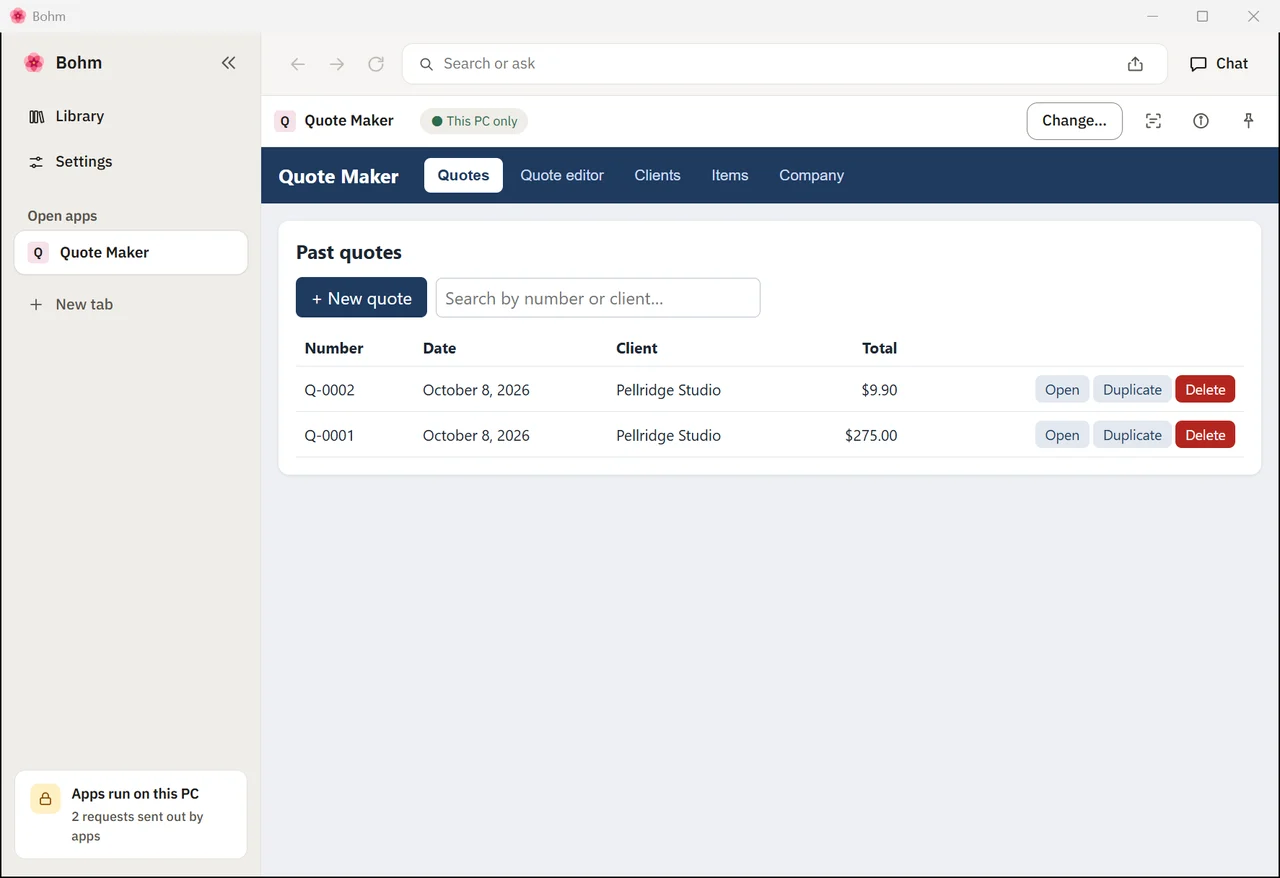
No AI while you use it.
The AI was only needed to make the app. Close Bohm, disconnect the AI, open the app — the quotes are there and it works the same.
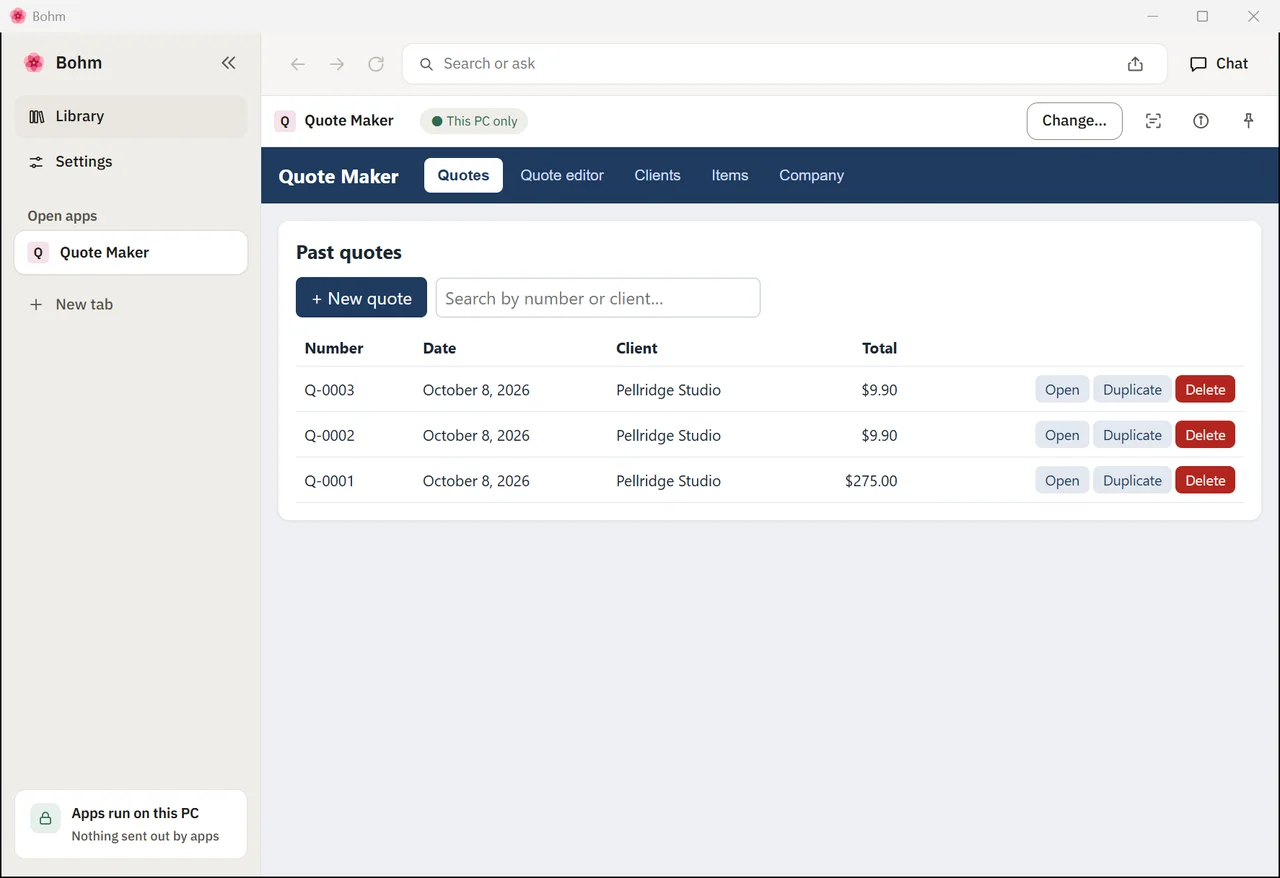
Make it your own form.
Point at the quote and ask for a signature box next to your name. The quotes you kept stay.
Try this app
Download the app as a Bohm package and open it in Bohm — it starts with the example data shown above.
Install Bohm.
Free on Windows 10 and 11, without administrator rights.
Open the .bohm file.
Double-click it, or drop it on Bohm’s library. Before anything is added, Bohm shows what the app is and what it asks to do.
Use it, change it, or start over.
The example data is yours to delete. To make the app your own, point at a part and say what should change.
The package holds this app with the made-up company, client, items and quotes from the film. Using it needs no AI; changing it by pointing does.
What it uses
Made the same way
- Delivery notes with a signature line
- Invoices numbered by month
- Purchase orders to your suppliers
- Work orders for a repair shop
More apps in the gallery
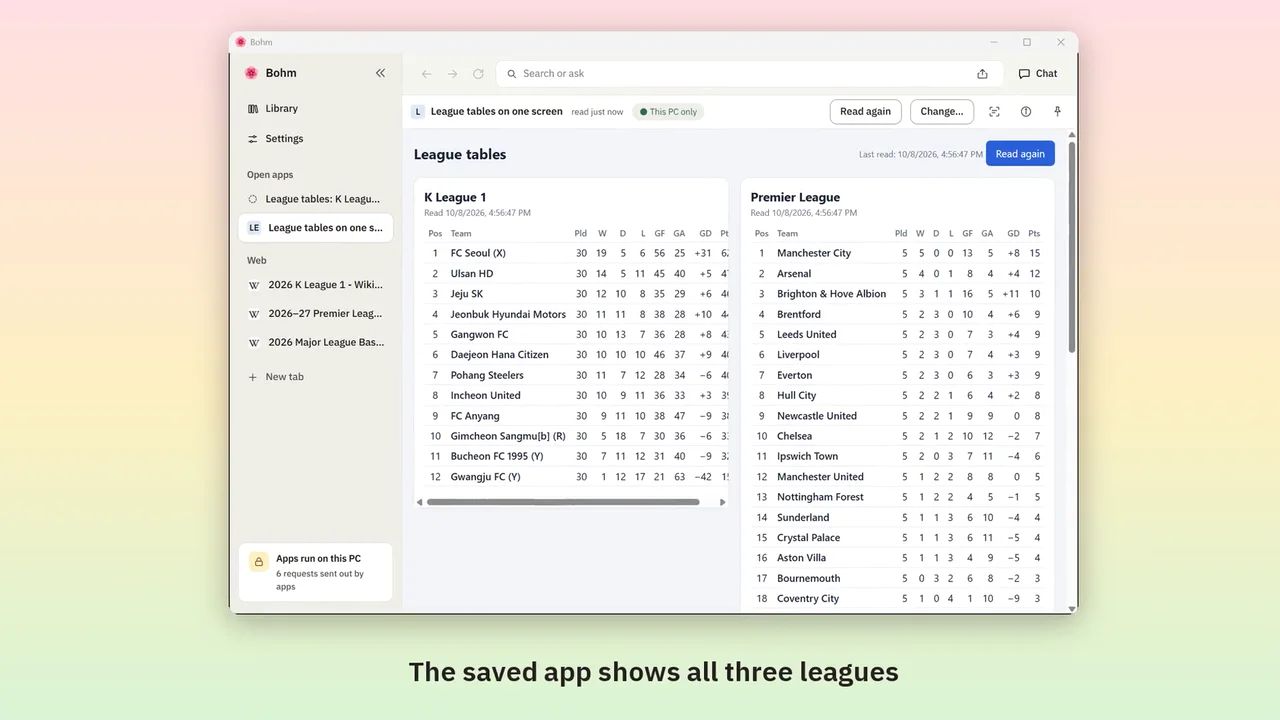
Web page tables into one app
Bring tables from several sites together once — then read them again in one click, without AI.
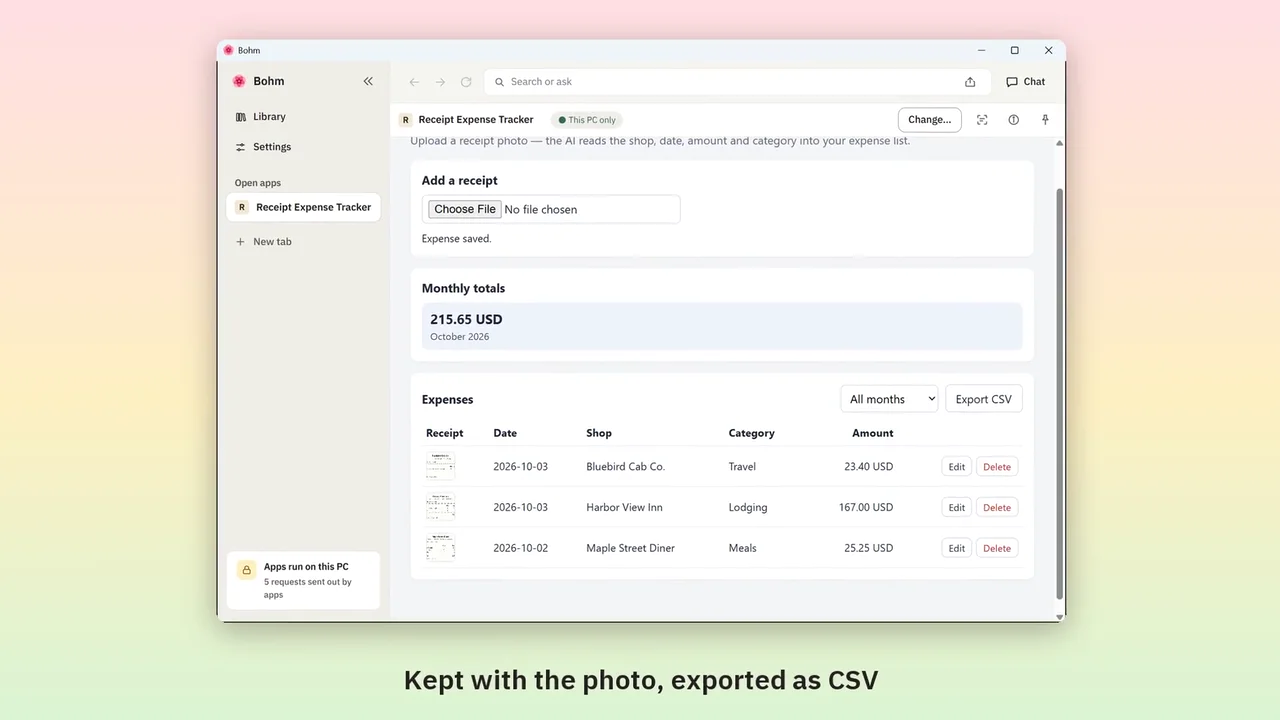
Receipt photos into an expense list
Upload a receipt photo; the AI fills in shop, amount and category. Monthly totals and a CSV for work.
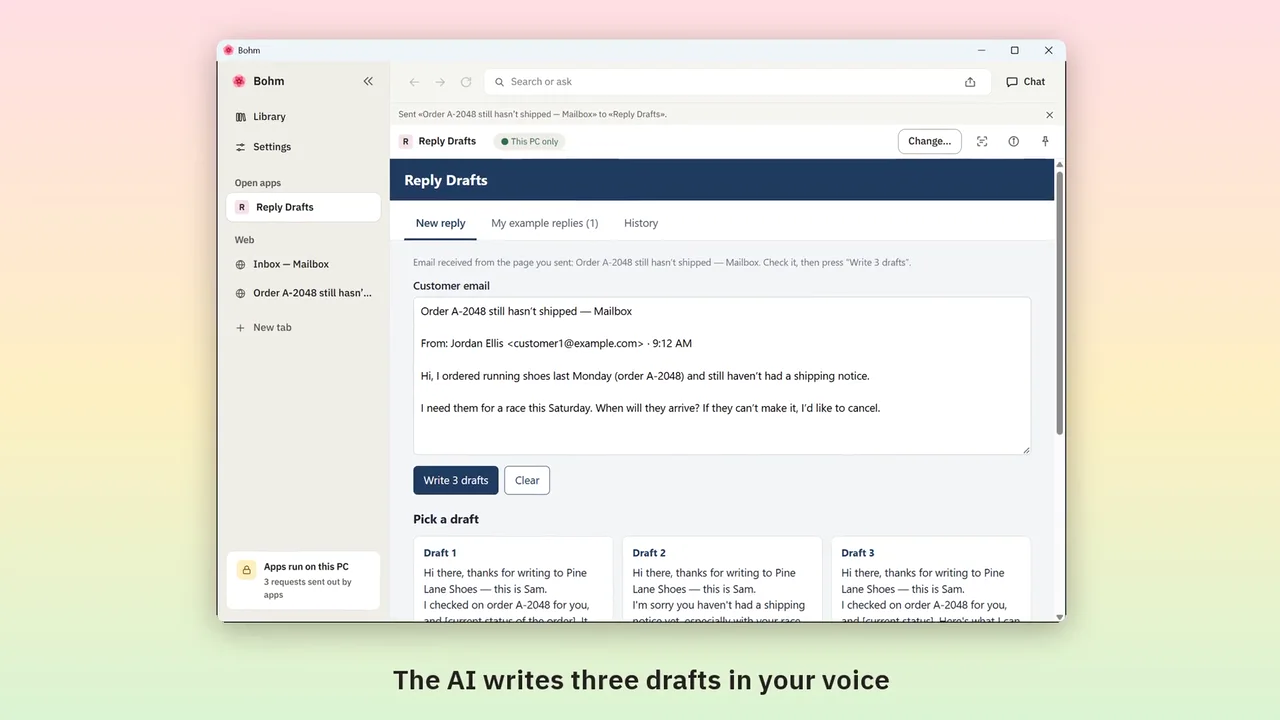
Customer emails into reply drafts
Send a customer email from your webmail; get three drafts in the way you write.
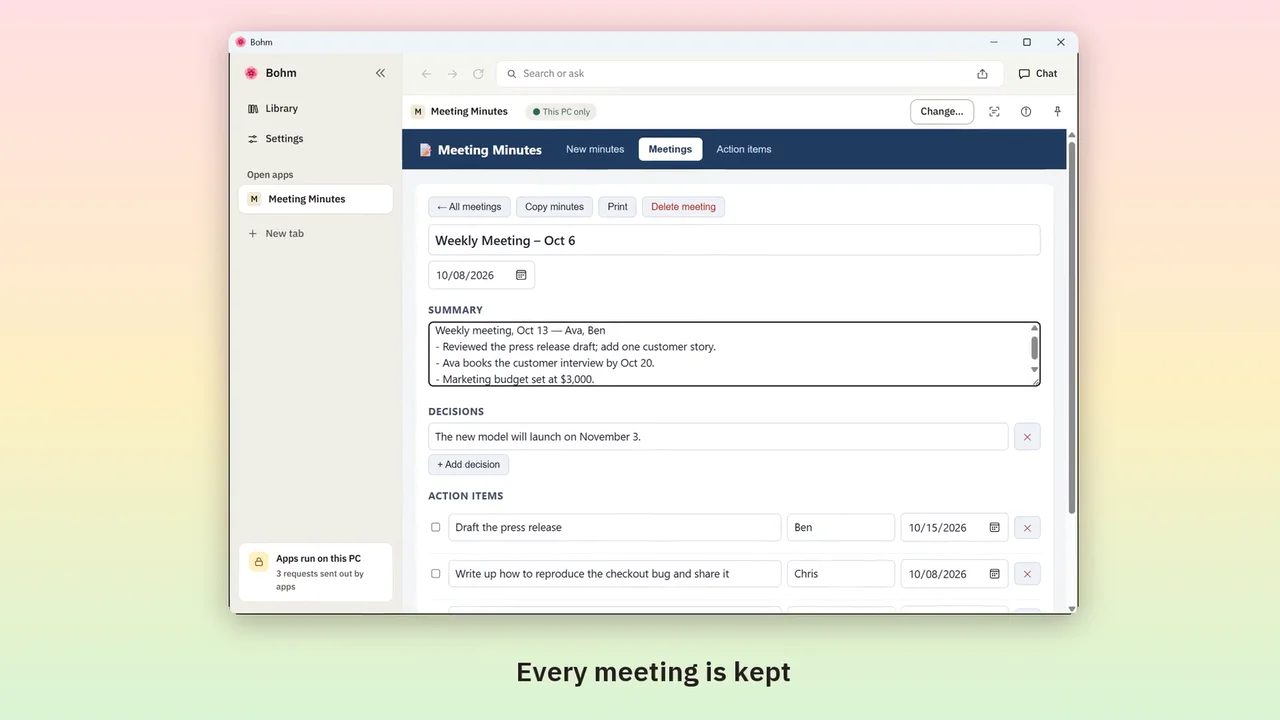
Meeting notes into minutes and action items
Paste rough notes; the AI writes minutes and gathers every action item, with owners and dates.
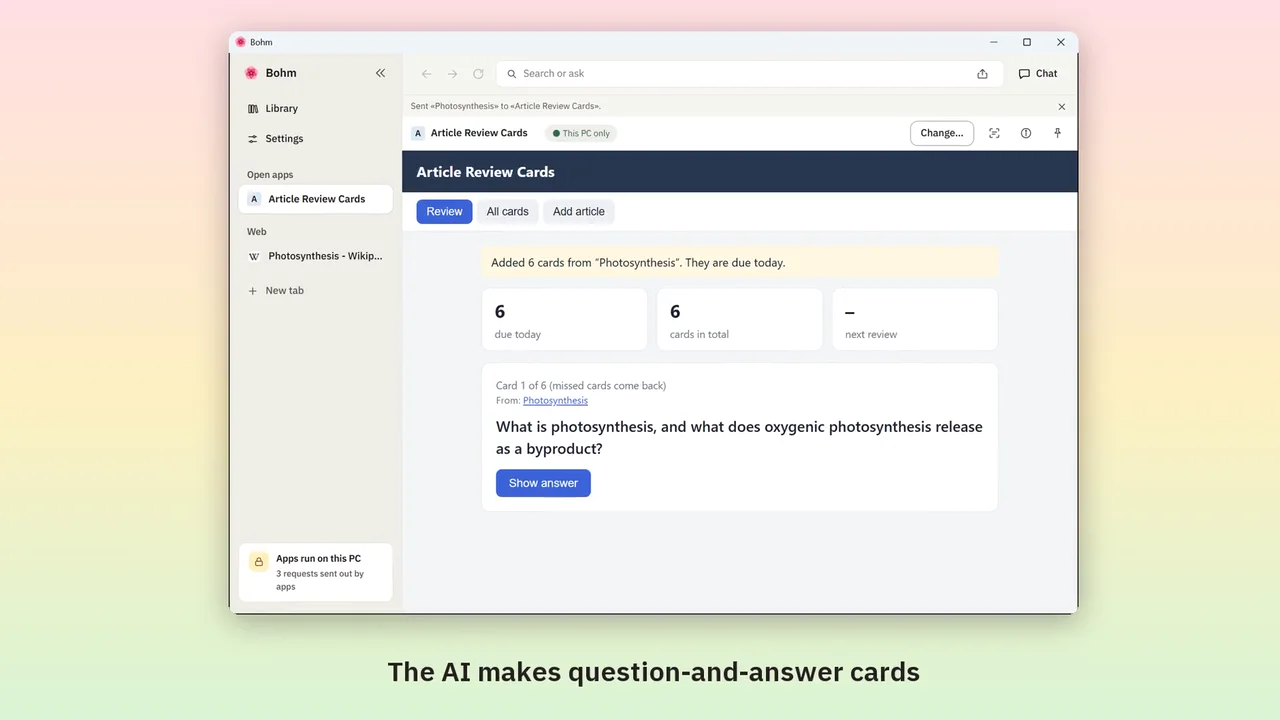
Web articles into review cards
Send an article from its tab; the AI makes question-and-answer cards, due on a schedule.
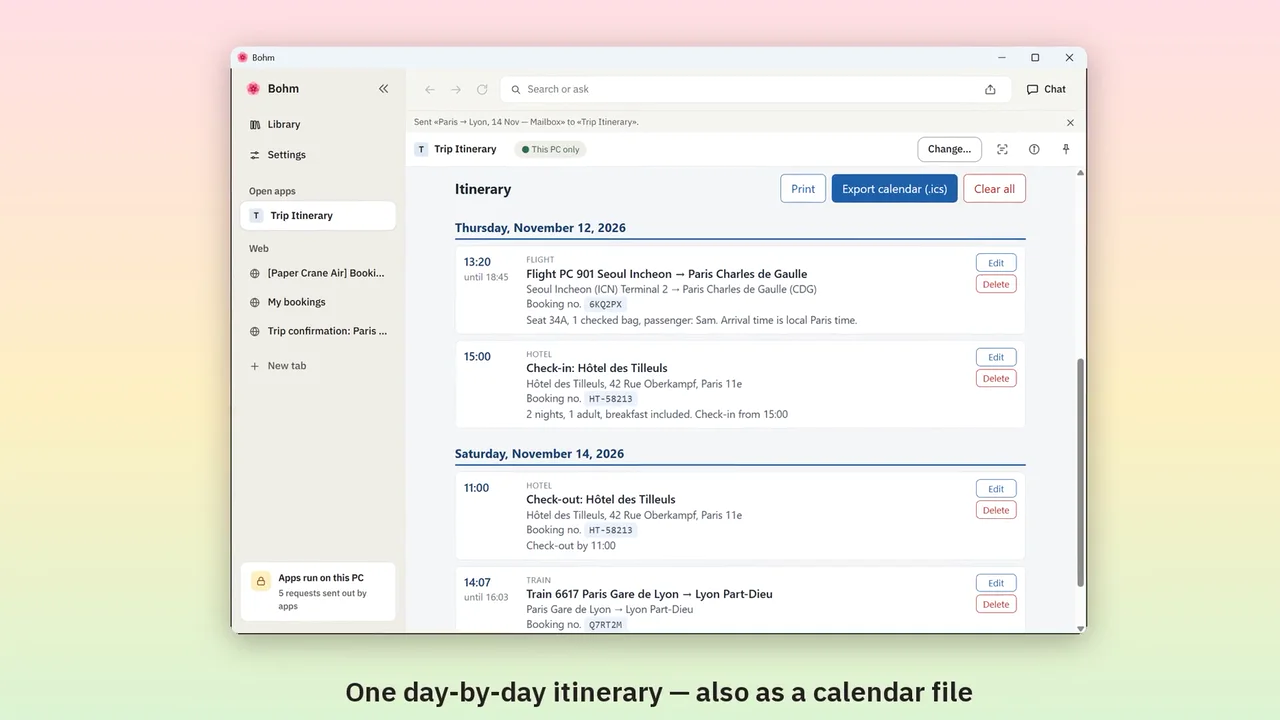
Booking confirmations into an itinerary
Send booking emails and pages from their tabs; get one day-by-day itinerary and a calendar file.
Try it with the app you need.
Bohm is free on Windows 10 and 11. It installs without administrator rights and works without an internet connection.