How it works
From a chat to an app you keep using.
There are two ways in. Either way you end up with an app in your Library — with its own data, its own versions, and nothing that depends on a server.
Way 1
Start from a file you made in an AI chat.
Any AI chat can make a one-file HTML app. Bohm is where it keeps running.
Ask an AI chat for the app.
Describe what you need in your own words. Paste a short text along with it, and the app it makes saves its data the way Bohm keeps safe.Drop the file into Bohm.
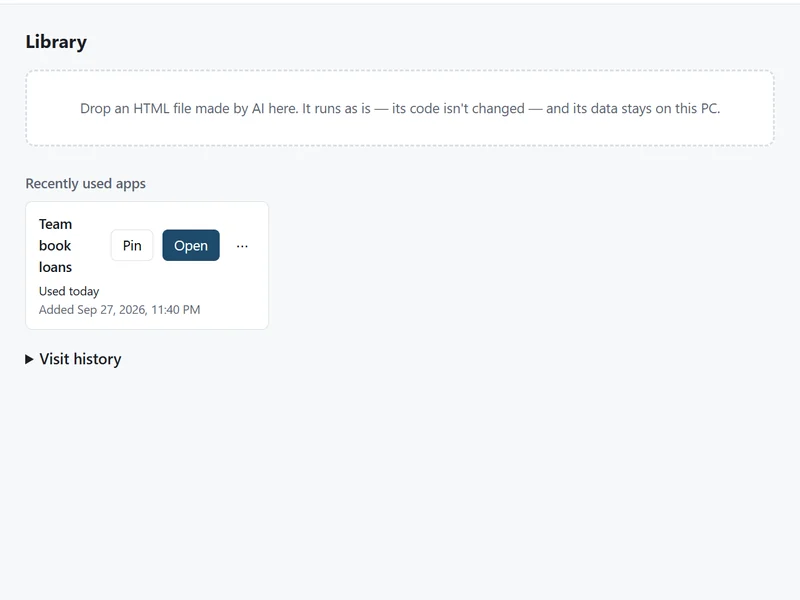
Drag the HTML file into the Library. Its code is not changed. It opens in its own tab, with its own place for data.Use it.
What you enter is saved to a folder on your PC as you go. Close the tab or restart the computer — it is there next time.
Way 2
Start from the web pages you already use.
When the information you need is spread across pages you check every week, ask once and keep the answer as an app.
Open the pages.
Open them in web tabs in Bohm — signed in as usual where a site needs it.Ask the chat.
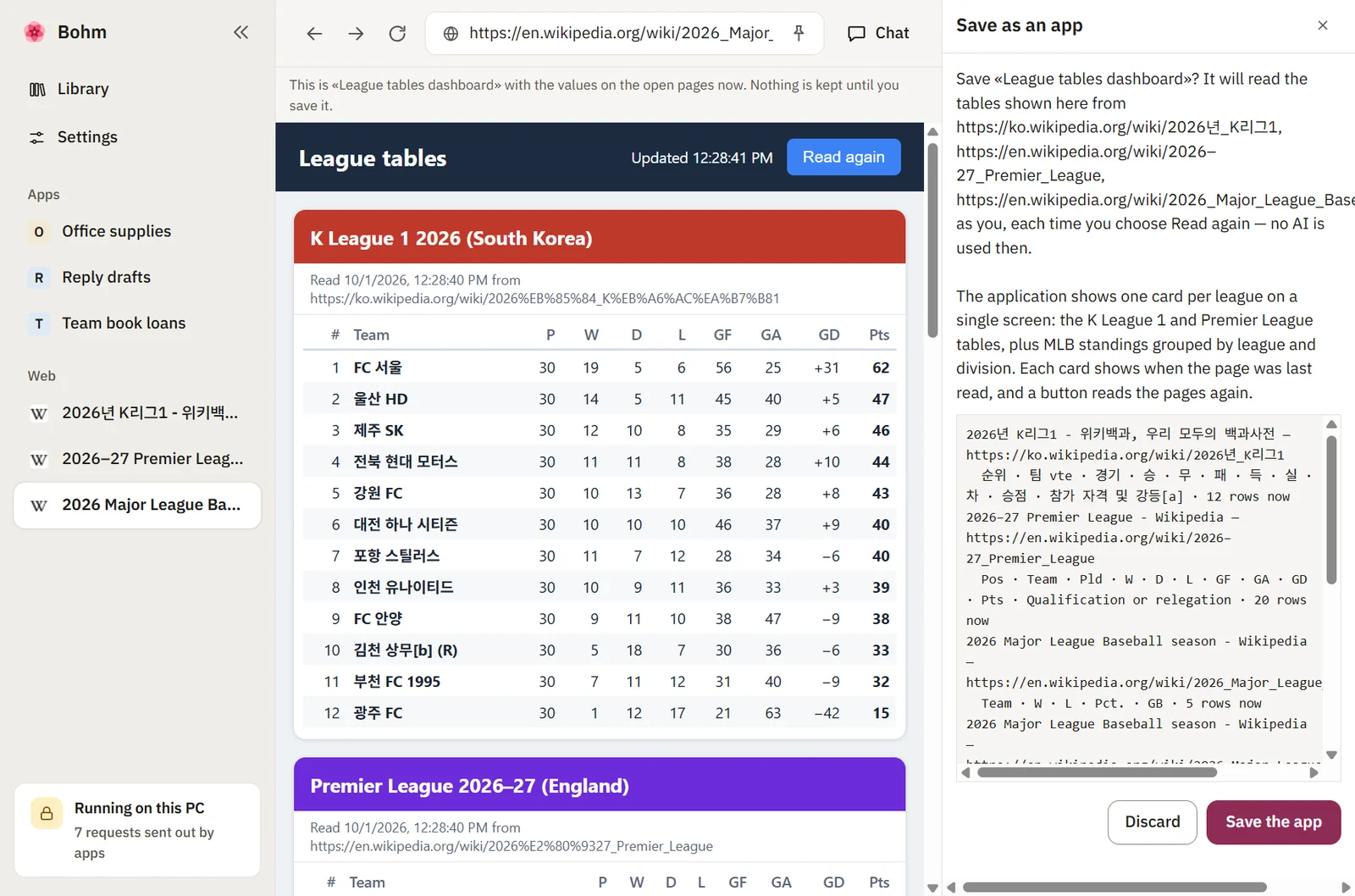
Ask it to compare or bring the tables together. It reads the open pages and lists the ones it read under the answer.Save as app.
Under the answer, choose “Save as app”. Check the preview with today’s values and which site and columns it will read, then agree.Read again whenever you like.
Open the pages, choose “Read again” in the app. The same rules read the same tables — no AI involved this time.
After that
Living with the app.
Change it by pointing.
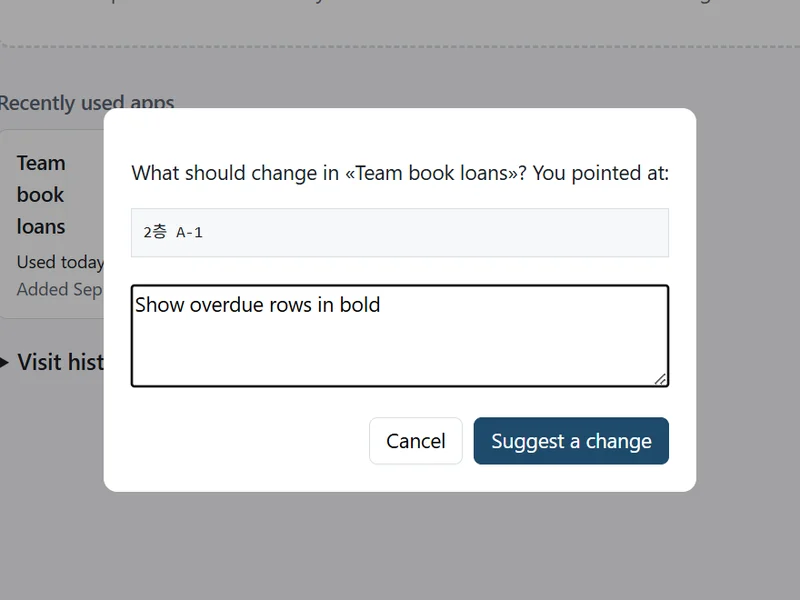
Choose “Change…”, click the part you mean and say what should be different. A suggestion arrives; try it in place, then apply it or throw it away. Your data stays either way.Or drop in a new version.
Asked the AI chat for an updated file? Drop it in and Bohm asks whether it is a new version of the same app. The data carries over.One step back, always.
Every version is kept. “Previous version” brings back the code and the data as they were.Take it with you.
Export an app with its data and versions, and import it on another PC.
Under the hood
Why it keeps working.
Each app is kept apart. Every app gets its own address and its own storage on your PC. One app cannot read another app’s data.
Apps stay inside your PC. An app cannot connect to outside servers. Information from the web reaches an app only through a page you opened and a reading you agreed to.
AI goes through Bohm. When an app calls an AI service, Bohm answers with the AI you connected — your key, a model file on your PC, or an AI server on your network. The key never reaches the app.
Nothing waits on a server. No account, no sign-in, no check with a server before anything opens. Bohm and your apps work without an internet connection.
Try it with your own app.
Bohm is free on Windows 10 and 11. It installs without administrator rights and works without an internet connection.