Gallery
A supply list your team shares — change the app, go back, and every record is still there
The supply list is a spreadsheet nobody remembers to update, so the toner runs out on the day of the big print job. And when the app changes, people worry that what they typed last week goes with it.
How it was made
This is the whole request, exactly as it was typed into Bohm. Copy it and you can make the same app.
“An app to track our team's office supplies. Each item has a name, the current quantity and a minimum quantity; record stock in and out with the date and who did it. Make items below their minimum stand out. A few teammates will take turns using it.”
Say what you need.
Type the app into “What should we make?”.
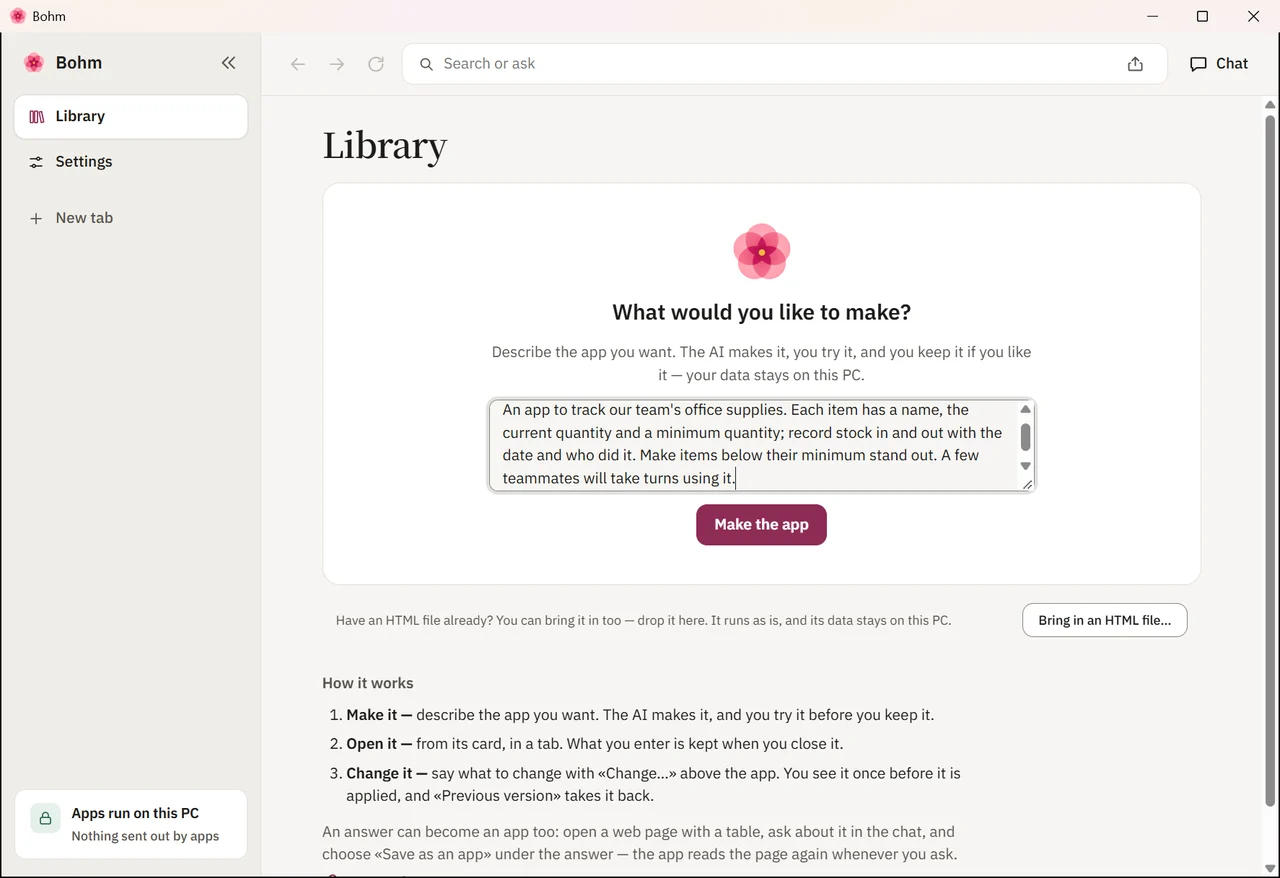
Watch it being written.
The AI writes the app; you can follow along.
Try it, then keep it.
Nothing is kept until you save it.
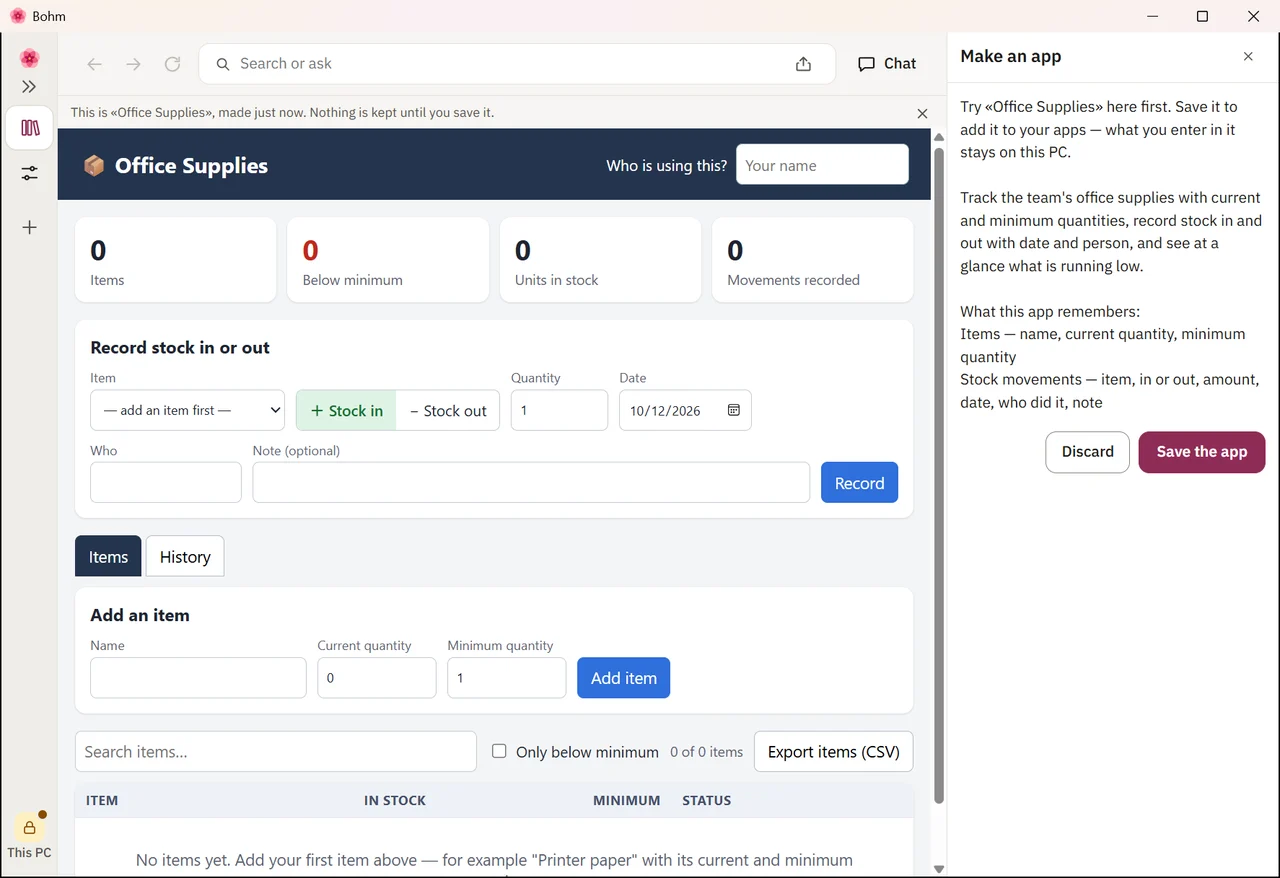
Polish it by asking.
Three rounds of Change, in words: tidy the whole screen, guide someone opening it the first time, put low stock at the top with each item on one line. The data stays.
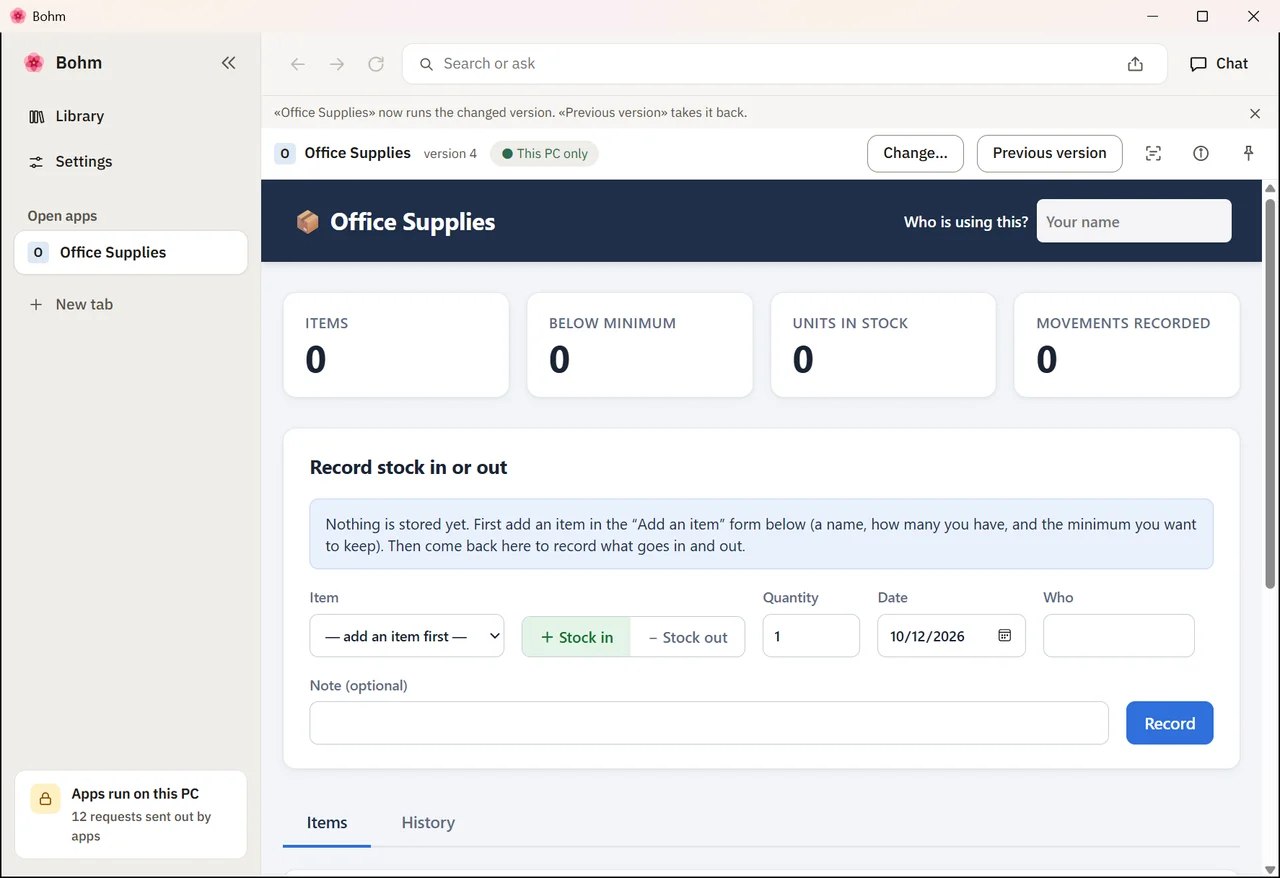
How it is used
Record an item.
An item with its quantity and its minimum. Items below their minimum are marked.
Point at what should change.
Point at the list and ask for a supplier field. The item already there stays.
Keep using the new version.
A second item, this time with its supplier.
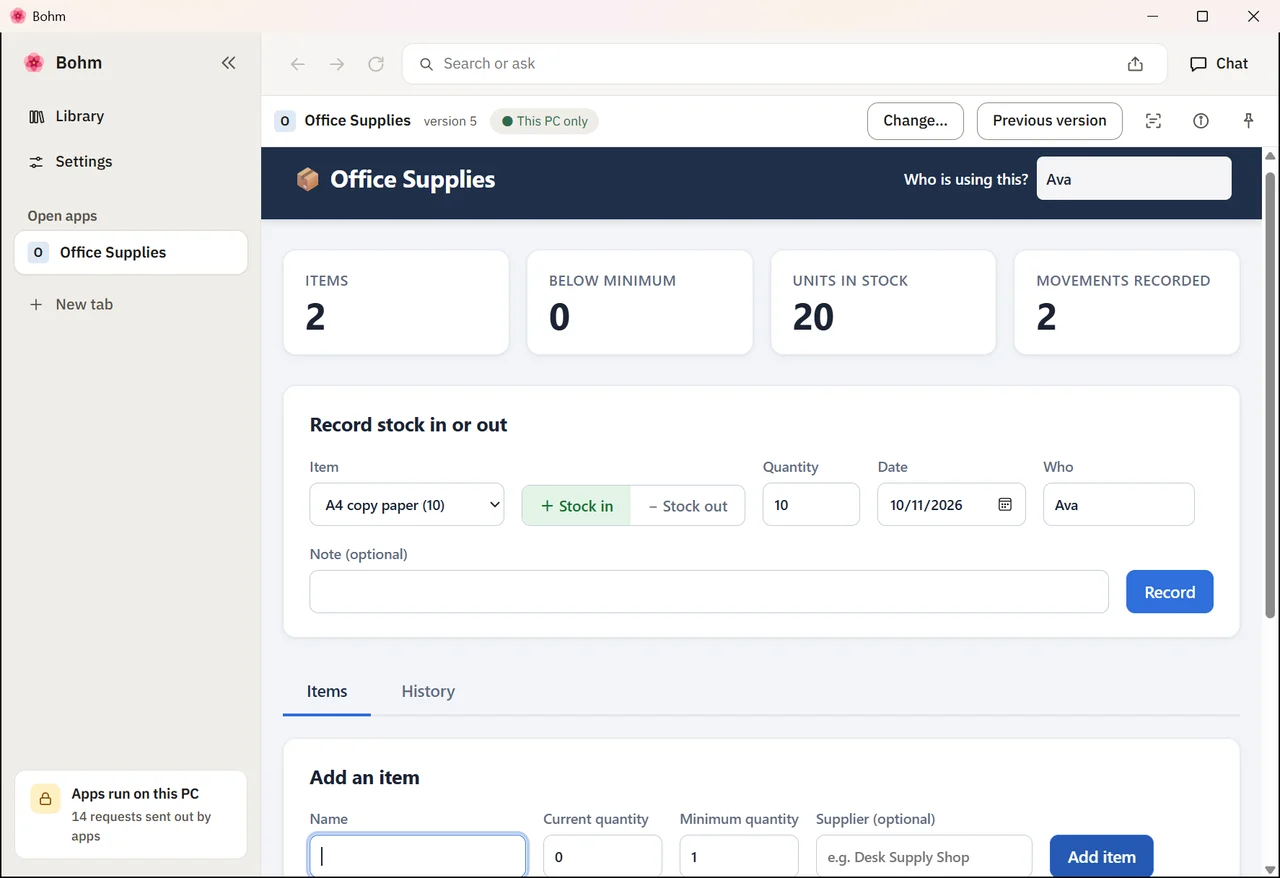
Go back a version.
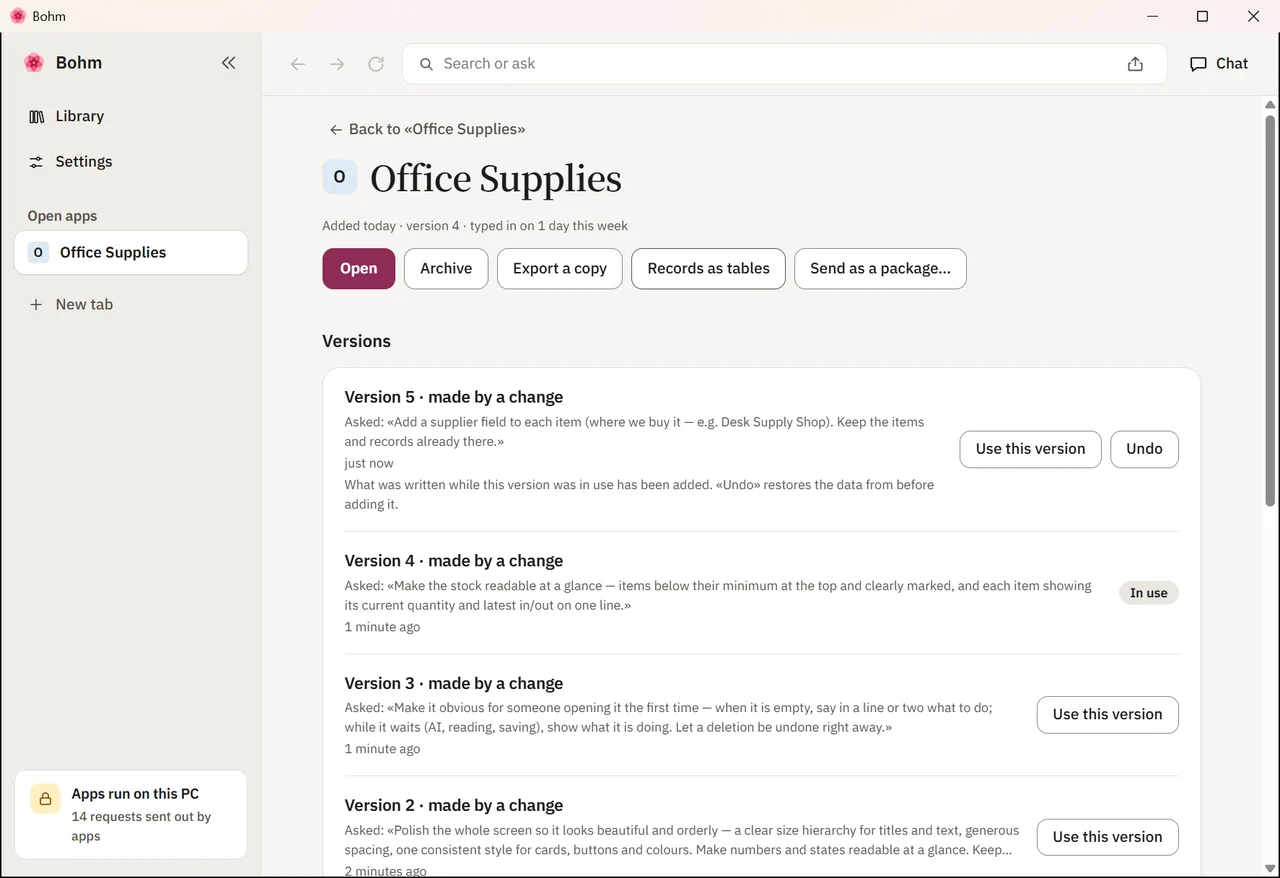
Changed your mind? “Previous version” brings back the earlier app. What the new version saved is set aside, not deleted.
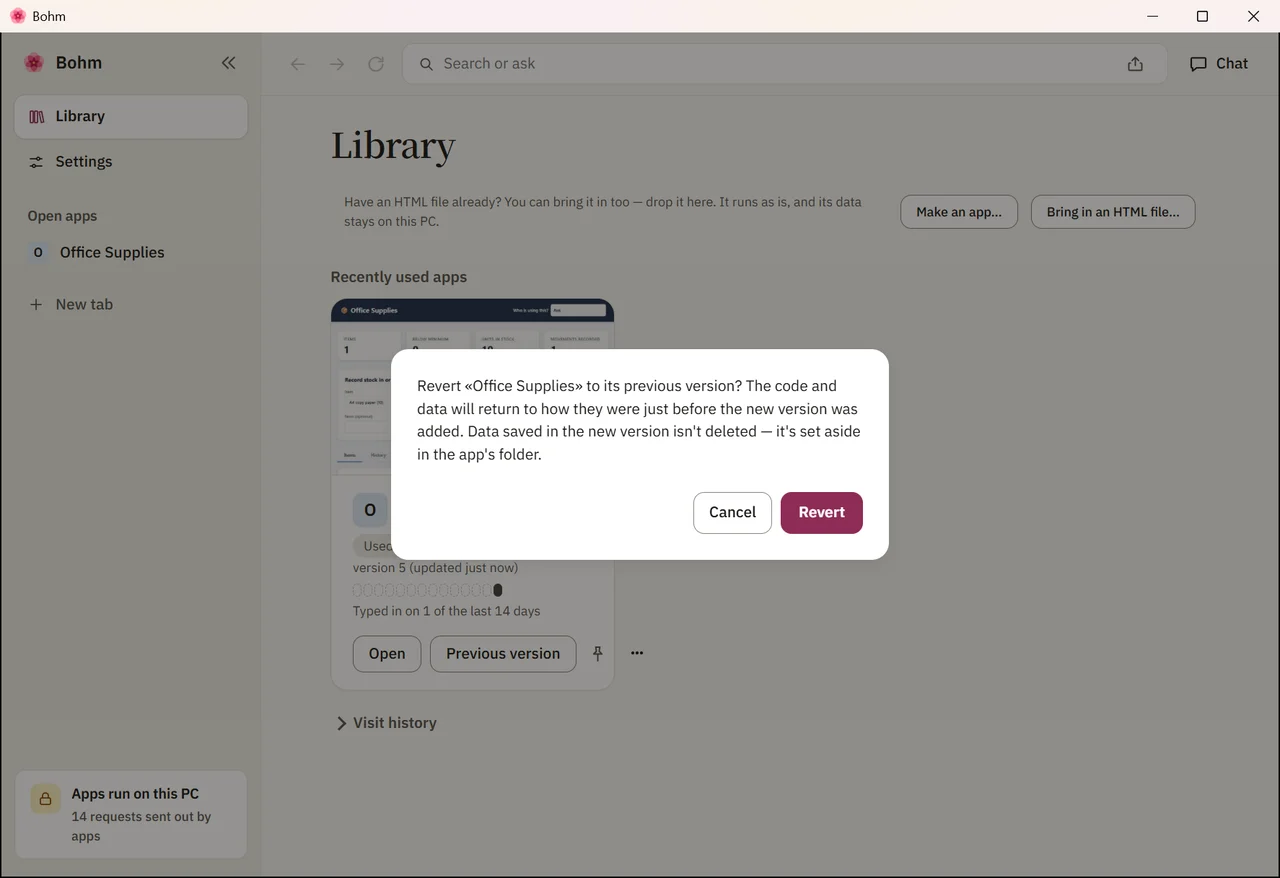
Bring in what the newer version wrote.
You kept recording on the earlier version. App info lists the versions, and offers to add what was written on the newer one — the two did not change the same data differently, so nothing is lost.
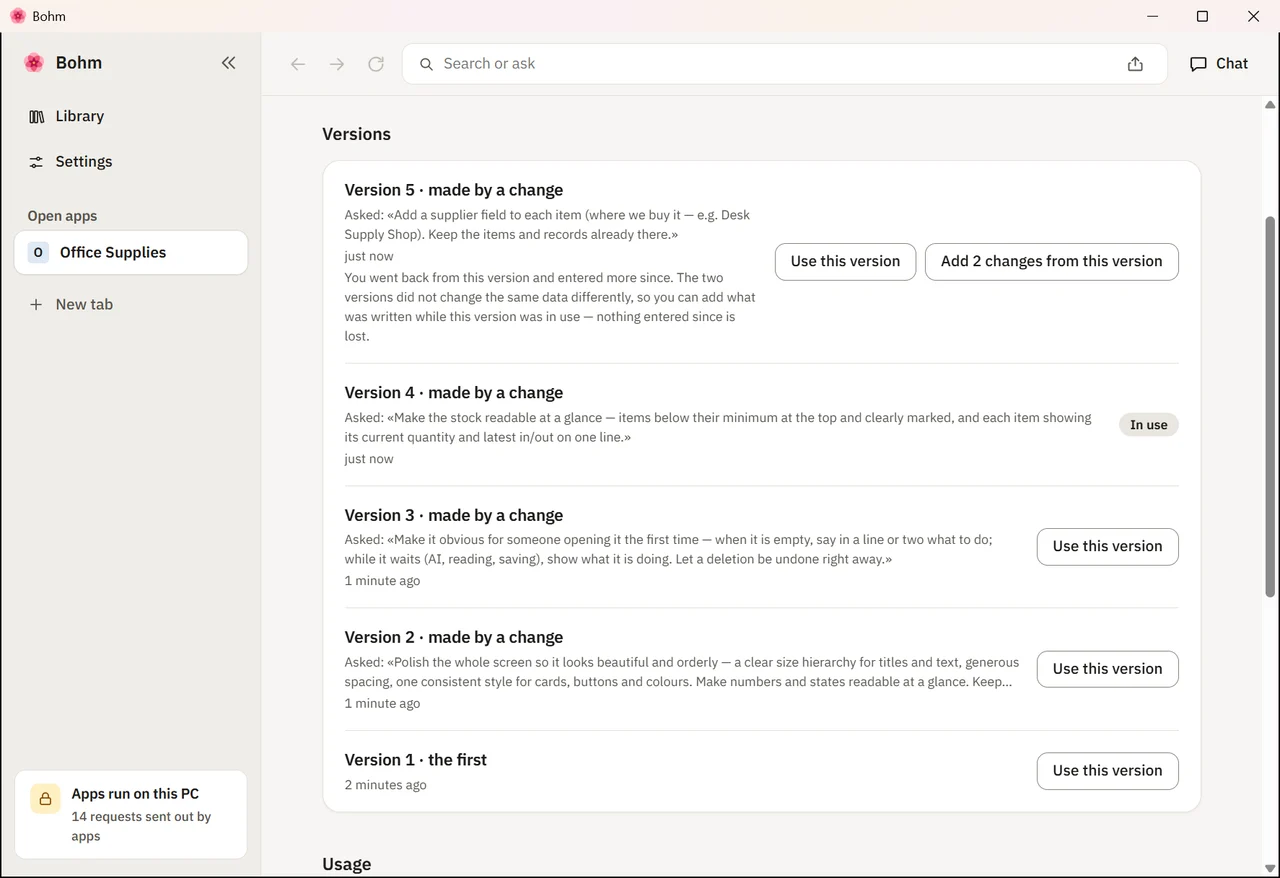
Every record is there.
All three items — from before the change, from the new version, and from after going back.
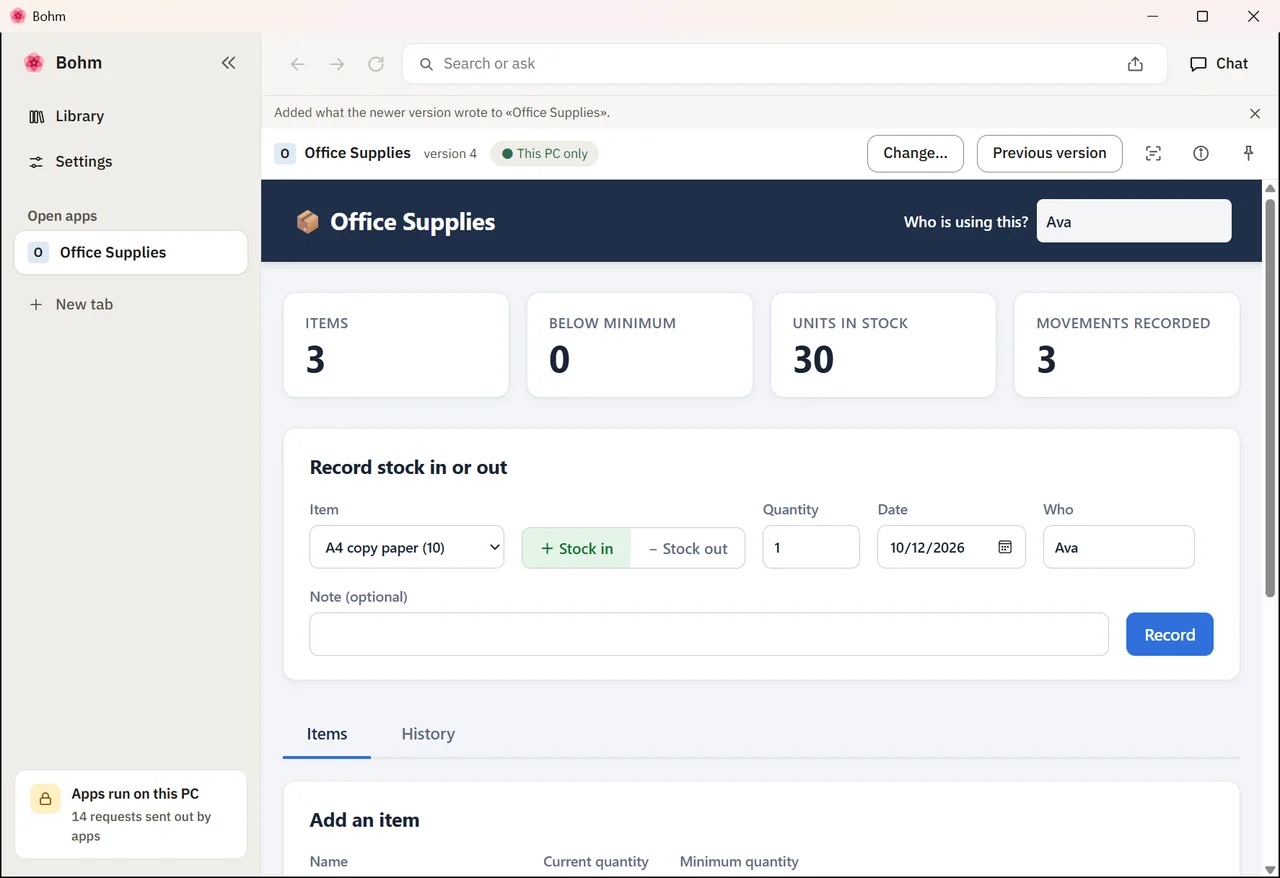
Month end: records as tables.
“Records as tables” in App info saves each kind of record as a CSV file that Excel opens — even when the app has no export button of its own.
Why an app that keeps its records
Changing the app does not cost the data. Every version keeps what was entered. Going back is one step, and what the newer version saved can still be brought in.
Excel when you need it. The records leave as plain tables whenever someone asks for a report — the app does not have to have an export button.
No AI while you use it. The AI made the app once. Recording stock and reading the list need no connection.
Try this app
Download the app as a Bohm package and open it in Bohm — it starts with the example data shown above.
Install Bohm.
Free on Windows 10 and 11, without administrator rights.
Open the .bohm file.
Double-click it, or drop it on Bohm’s library. Before anything is added, Bohm shows what the app is and what it asks to do.
Use it, change it, or start over.
The example data is yours to delete. To make the app your own, point at a part and say what should change.
The package holds this app with the three made-up items from the film. Using it needs no AI.
What it uses
Made the same way
- Lab reagents with expiry dates
- Spare parts for a small workshop
- Equipment lent out to staff
- Pantry stock for a café
More apps in the gallery
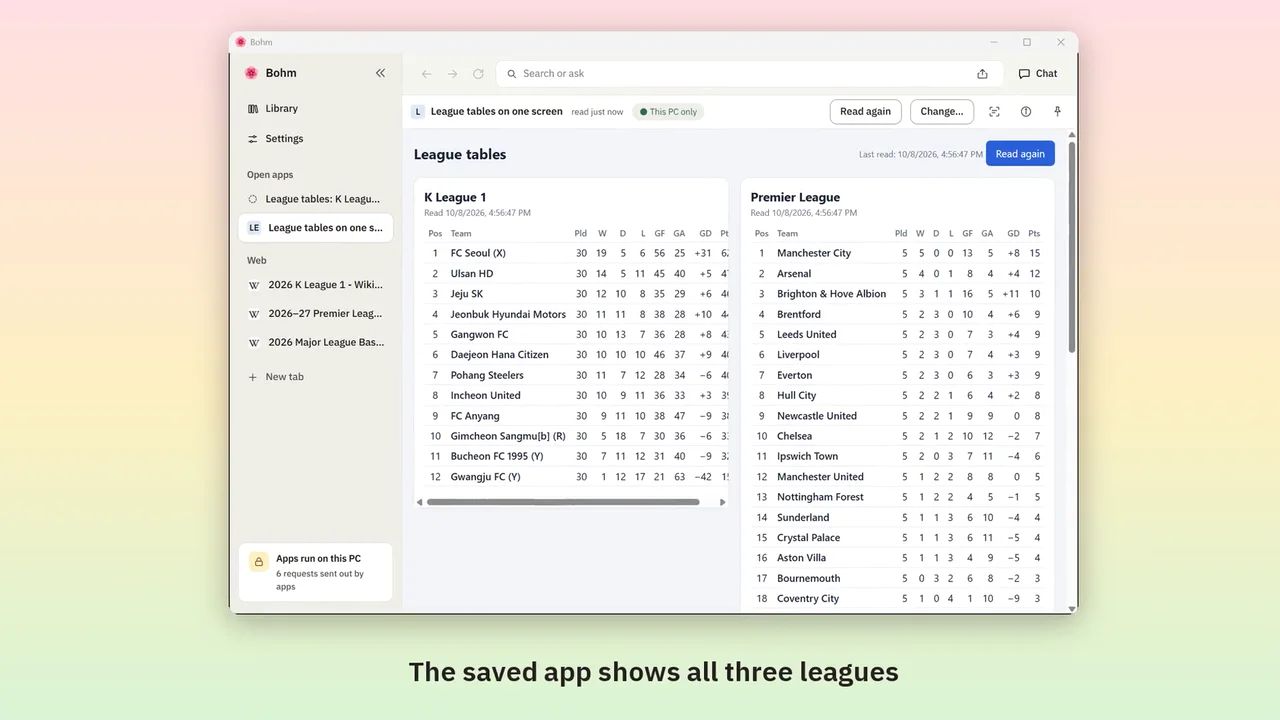
Web page tables into one app
Bring tables from several sites together once — then read them again in one click, without AI.
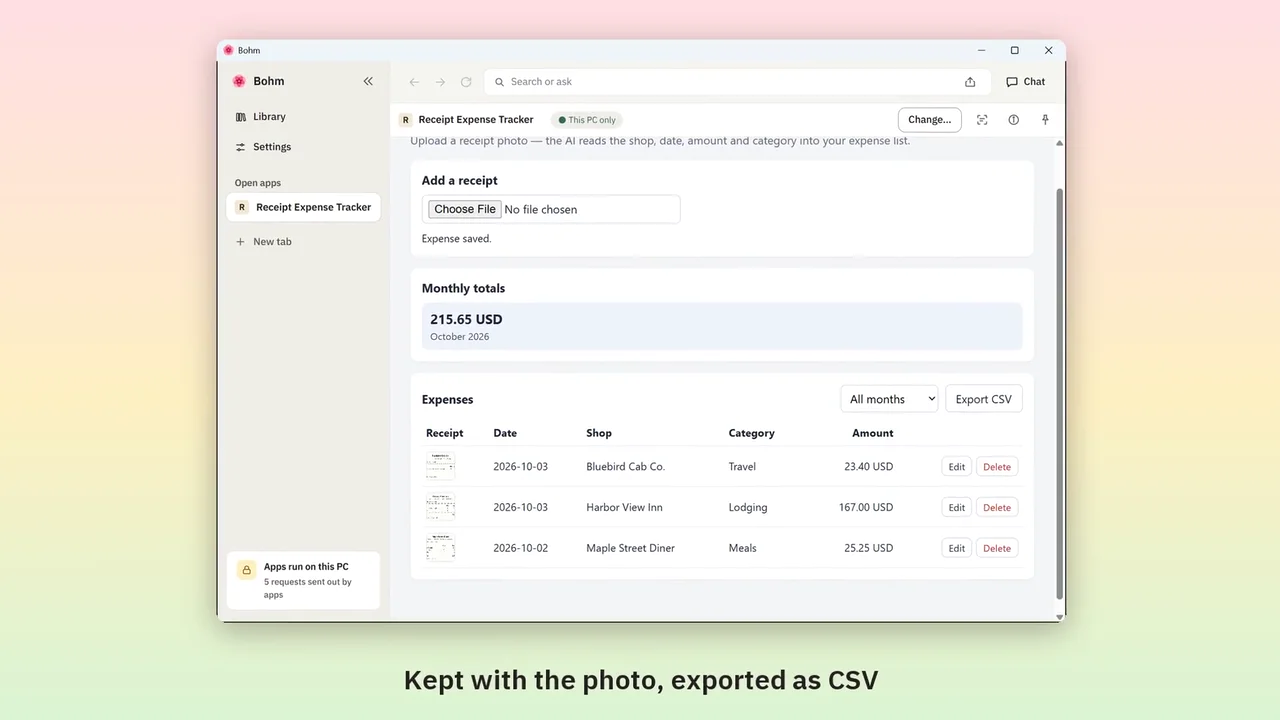
Receipt photos into an expense list
Upload a receipt photo; the AI fills in shop, amount and category. Monthly totals and a CSV for work.
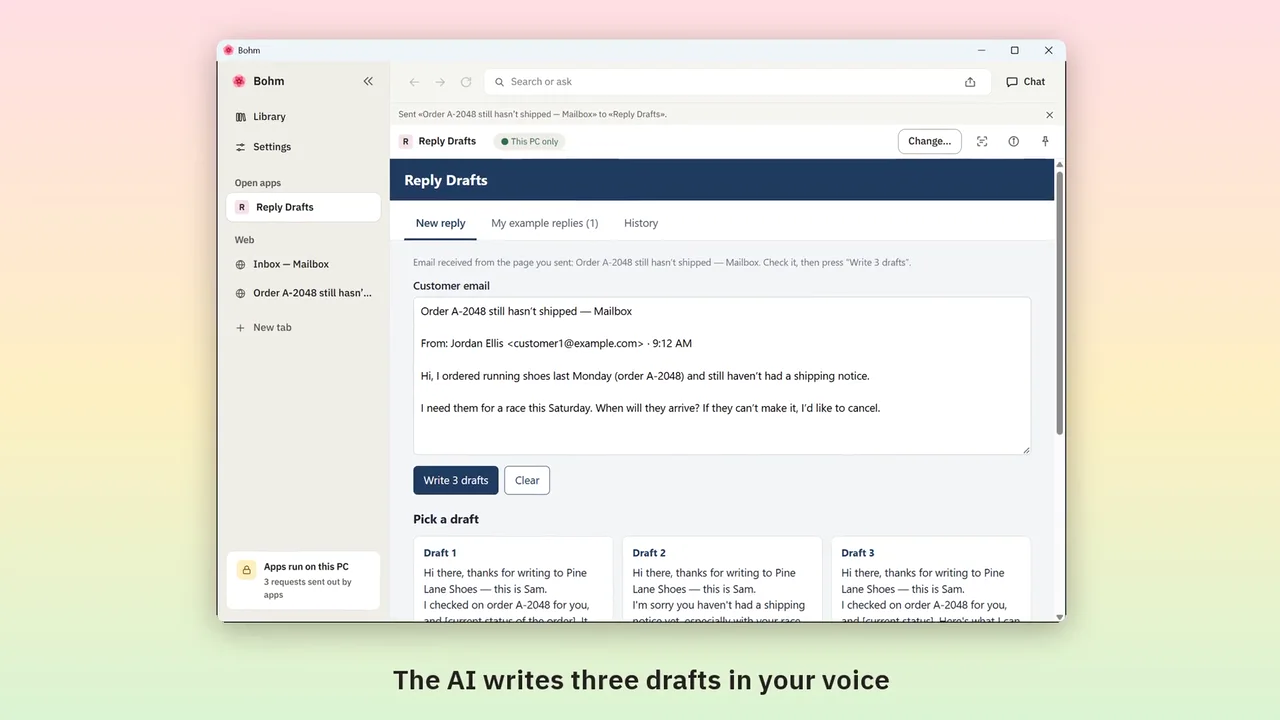
Customer emails into reply drafts
Send a customer email from your webmail; get three drafts in the way you write.
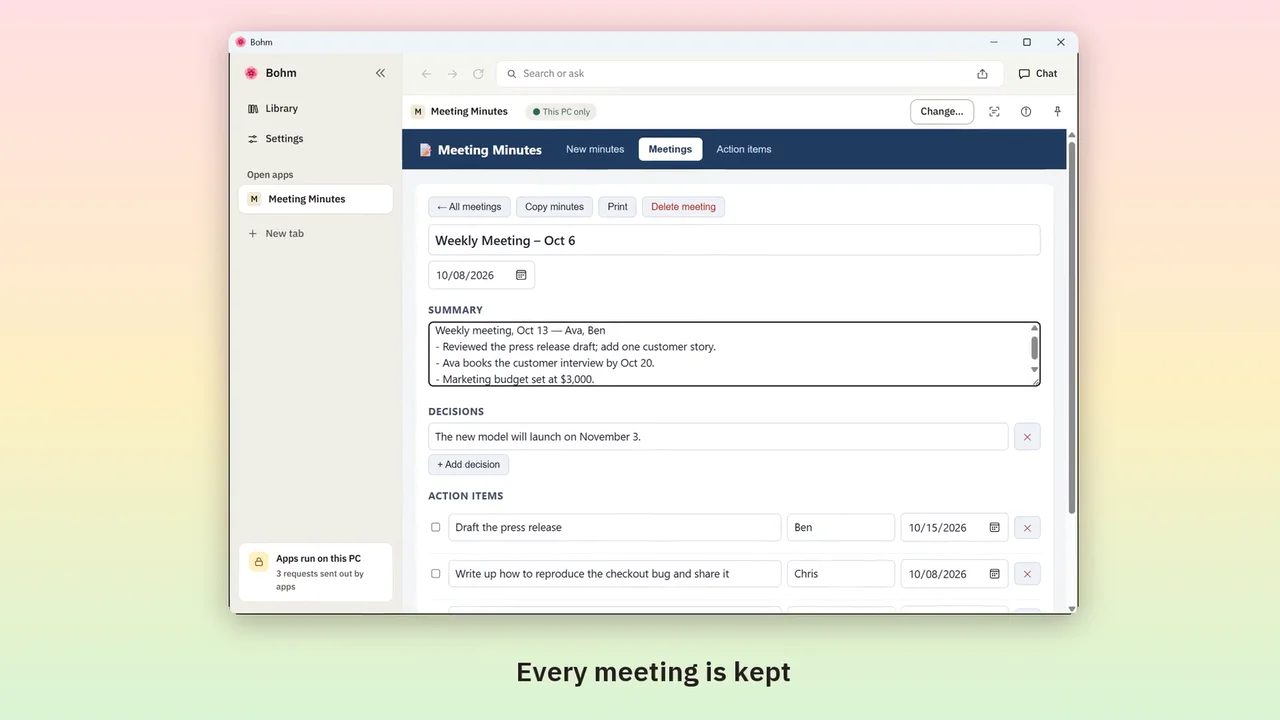
Meeting notes into minutes and action items
Paste rough notes; the AI writes minutes and gathers every action item, with owners and dates.
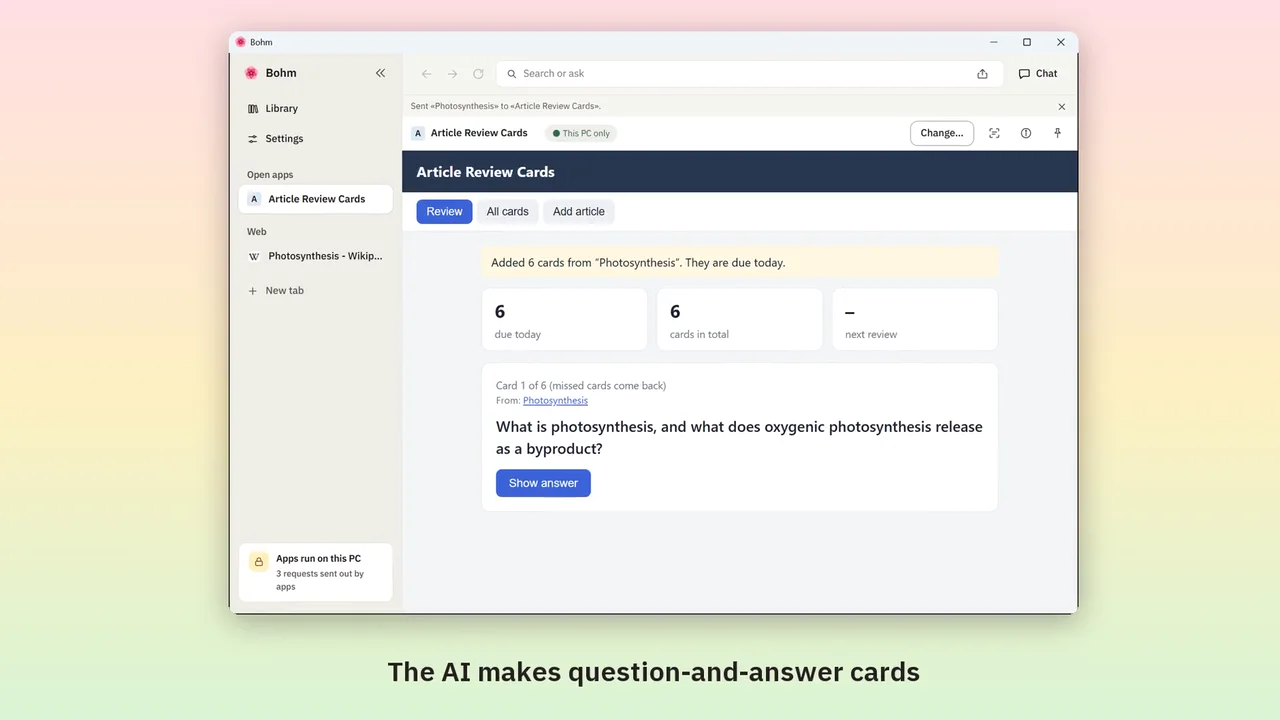
Web articles into review cards
Send an article from its tab; the AI makes question-and-answer cards, due on a schedule.
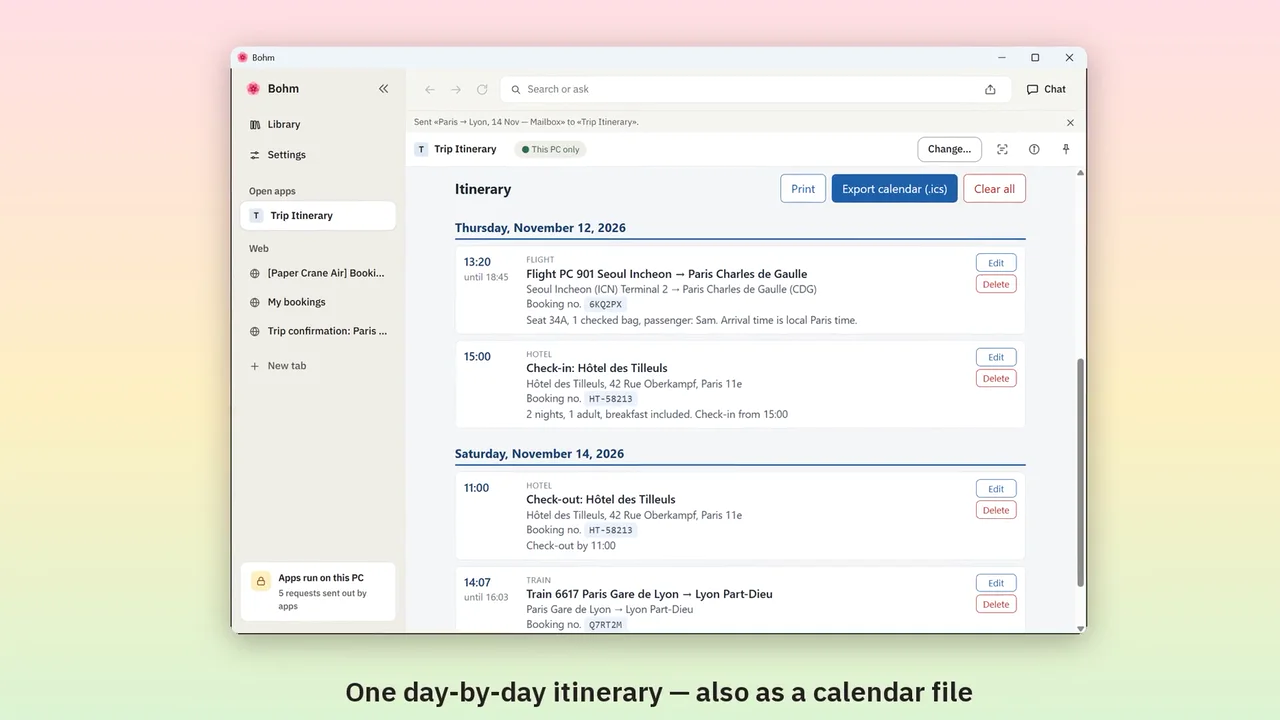
Booking confirmations into an itinerary
Send booking emails and pages from their tabs; get one day-by-day itinerary and a calendar file.
Try it with the app you need.
Bohm is free on Windows 10 and 11. It installs without administrator rights and works without an internet connection.