Gallery
Watch a page you are signed in to — Bohm reads it again and tells you what is new
The page you check every day sits behind your sign-in: a job board, an order portal, a notice board at work. Change-monitoring services run on someone else’s server, so they cannot see it — or want your password. You end up reloading it by hand.
How it was asked
This is the whole request, exactly as it was typed into Bohm’s chat. Open the same kind of page, type it, and Bohm does the same job.
“Make an app that keeps an eye on the job board I have open. Show each posting’s title, company, location and closing date as a card, and put postings that weren’t there the last time it read at the top with a “New” tag.”
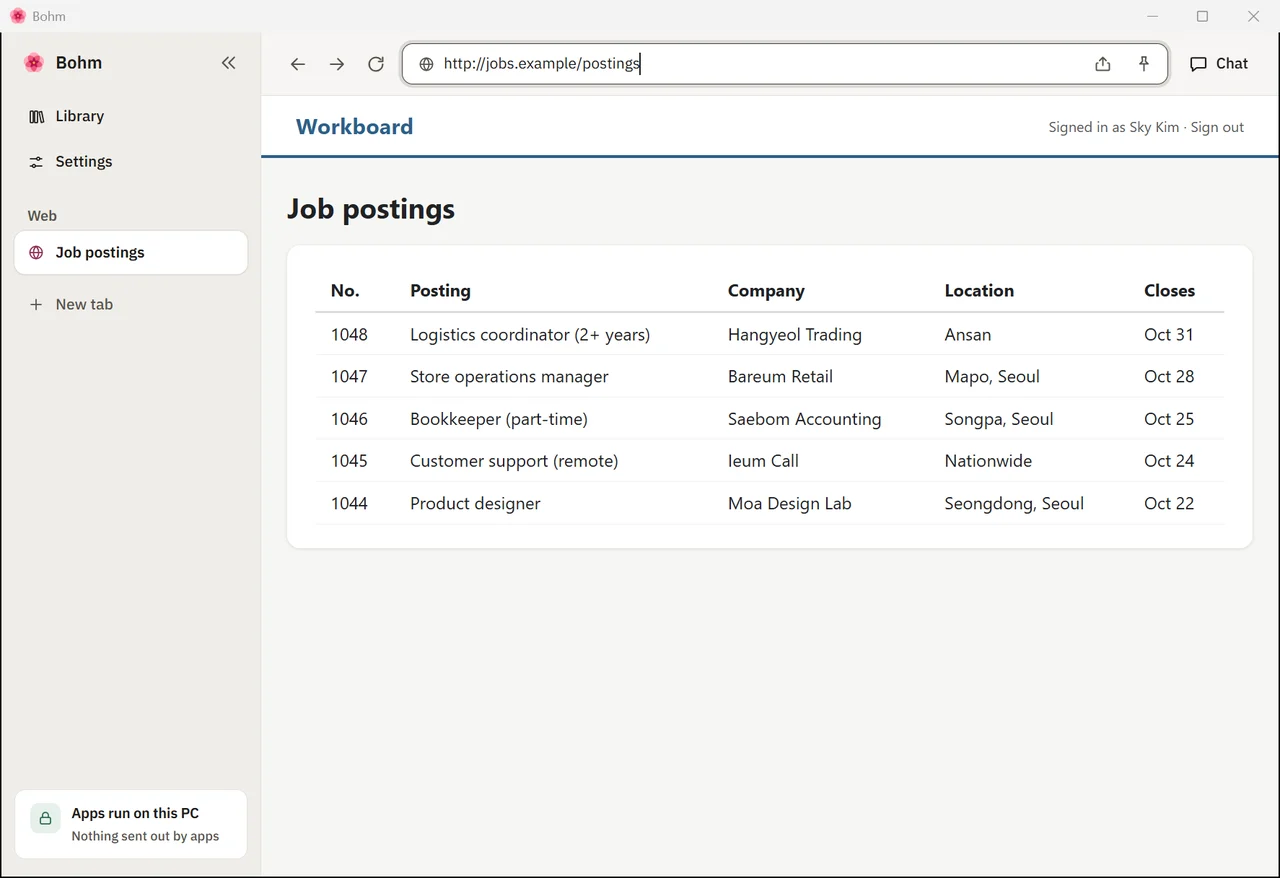
Open the page you already use.
Open it in a web tab in Bohm, signed in as usual. Here: a made-up job board.
Ask once.
Type the request into the chat beside your tab. It reads the page and answers with the postings and how “New” will be decided.
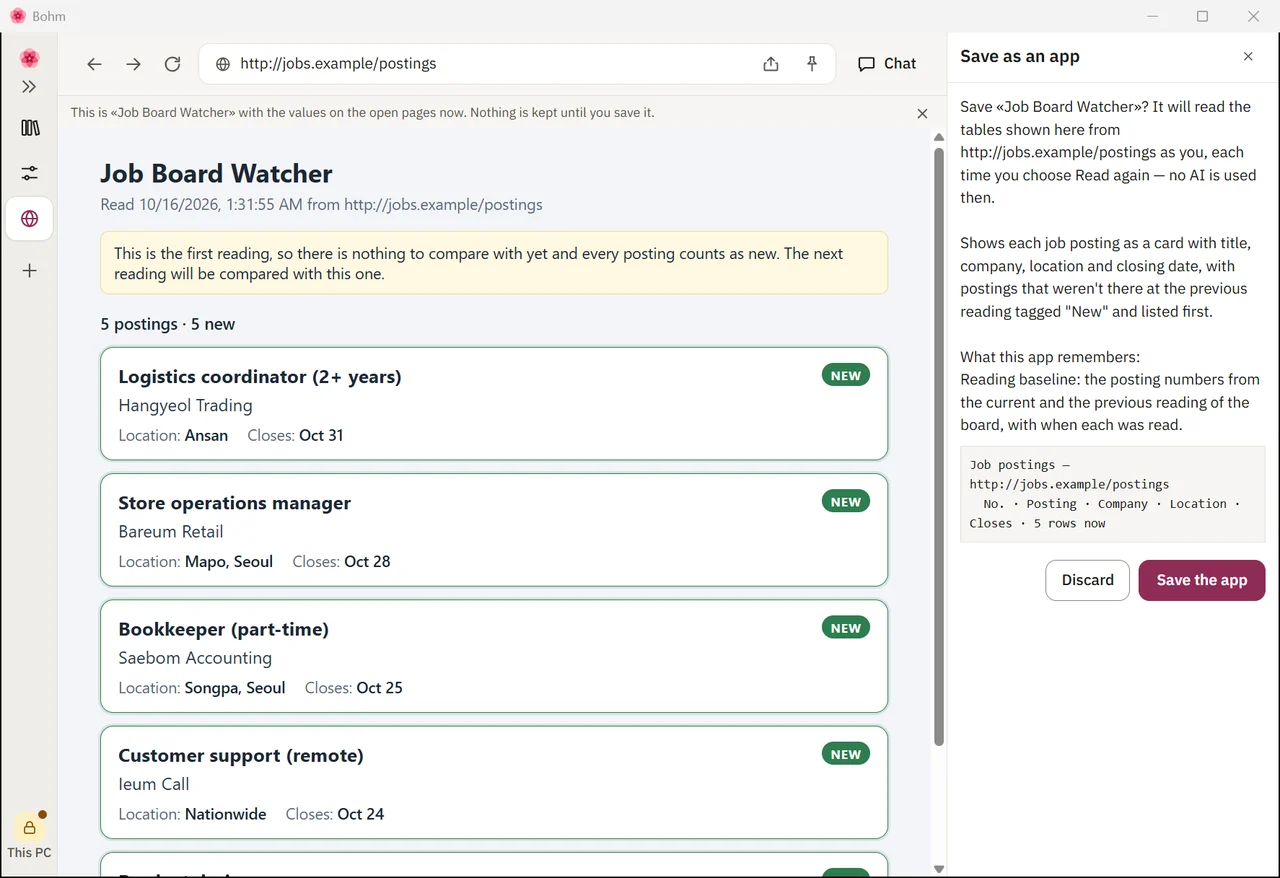
Save it as an app — and see what it will read.
Choose “Save as app”. Bohm shows exactly which page and which columns the app will read, and nothing is kept until you agree.
Choose how often.
In the app’s App info, set “Read again on its own” — every minute at the most often, or every hour, or once a day. Bohm keeps to the pace a site asks for.
How it is used
Something new goes up.
Bohm reads the page again in the background, with your sign-in and no AI. When the table changed, the app says “new data”. If Bohm is not in front, the taskbar button flashes and Windows shows a notification — click it to come back to the app.
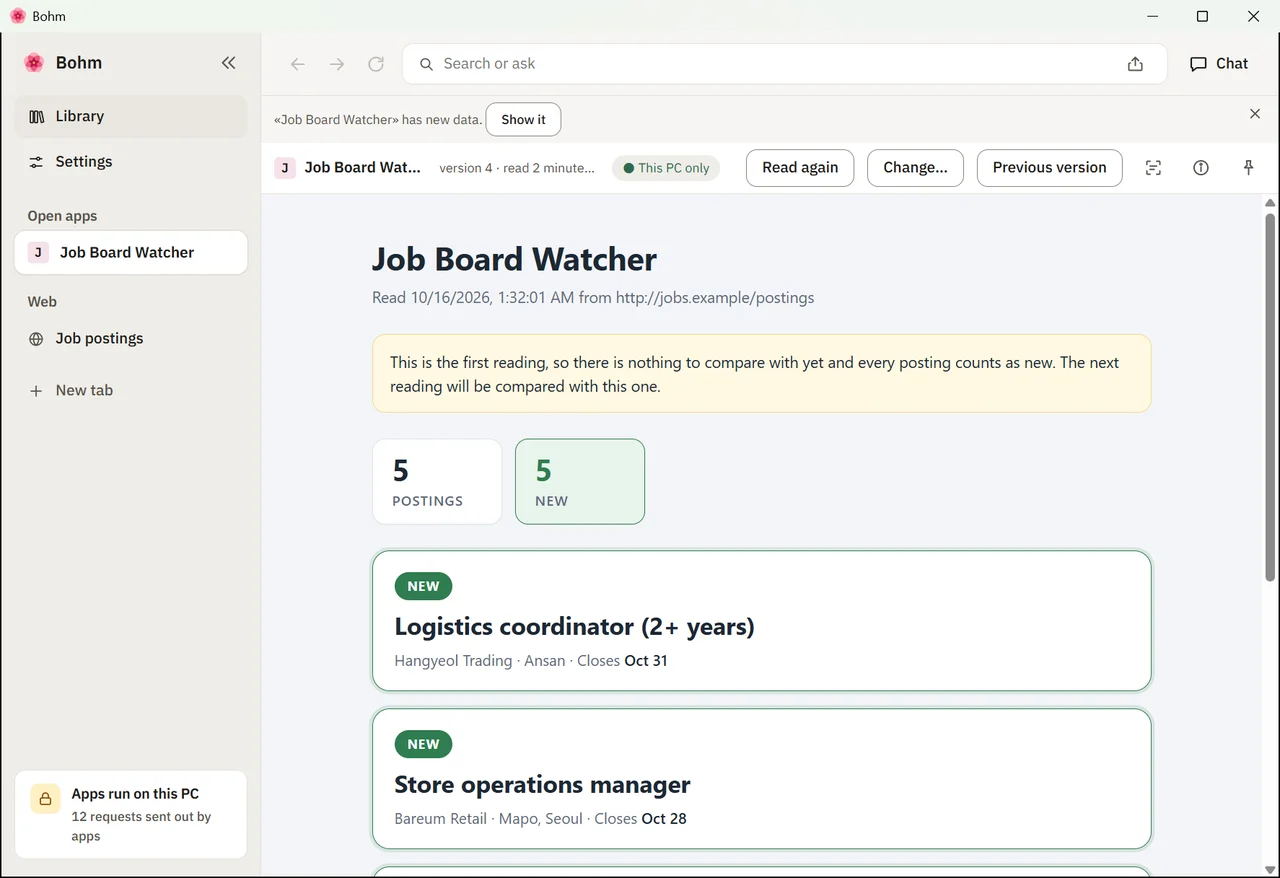
New ones at the top.
Show it, and the new posting sits at the top with a “New” tag — the app compares each reading with the one before.
Why your browser, not a monitoring service?
It sees what you see. A monitoring service visits the page from its own server, signed out. Bohm reads the tab you are signed in to — your password never leaves the browser.
It tells you what changed, in your words. You said how to show it once. The app keeps doing exactly that, marking what is new — reading again needs no AI.
Inside your network too. It runs on your PC, so it watches intranet pages a cloud service cannot reach — and works well inside a network with no internet.
Polite to the site. It follows the pace a site asks for (Crawl-delay), waits when a site is busy, and asks you first when the site asks automated visitors to stay out.
Try it yourself
Get Bohm, open the same kind of page, and type the request.
Install Bohm.
Free on Windows 10 and 11, without administrator rights.
Open the page you use.
In a web tab, signed in as usual. Bohm reads your tab — it never asks for your password or signs in for you.
Type the request.
Into the chat beside your tabs. It sends or submits at most once for each thing you ask.
What it uses
Made the same way
- A price or stock page you are signed in to — the drop marked
- A notice board at work — new notices at the top
- An order or application portal — status changes listed
- A public tender list — new tenders with their deadlines
More from the gallery
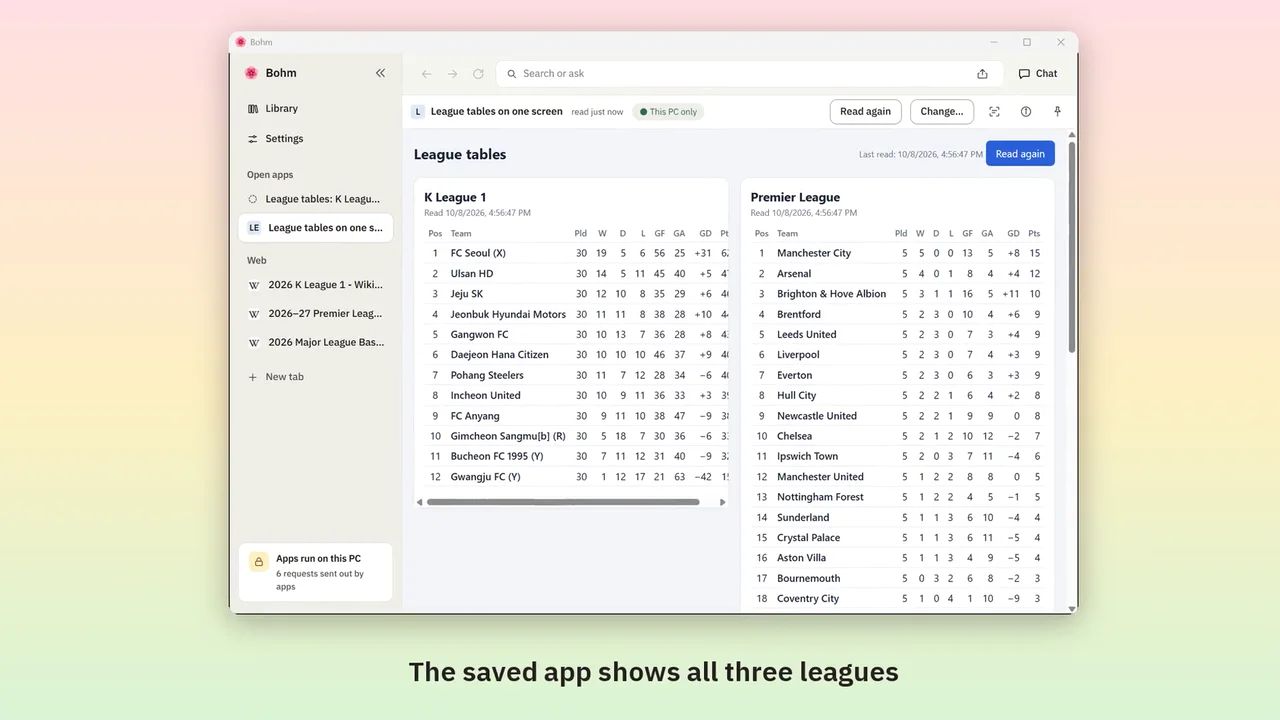
Web page tables into one app
Bring tables from several sites together once — then read them again in one click, without AI.
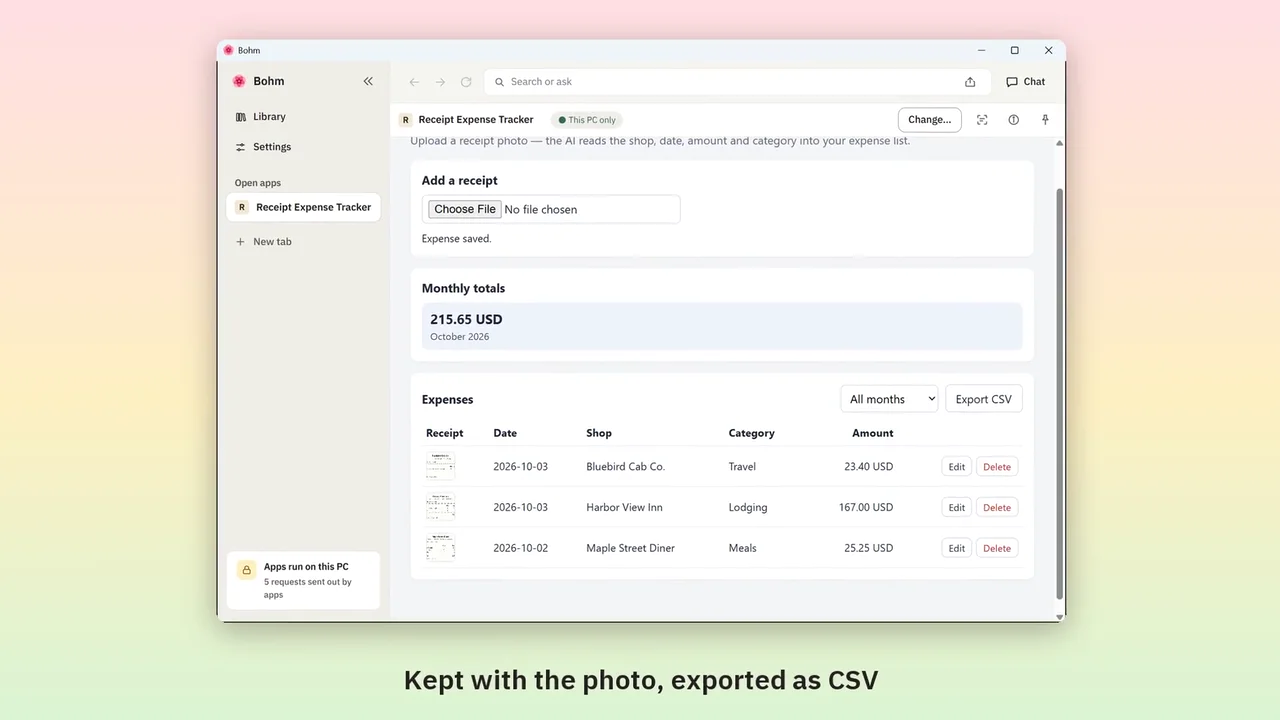
Receipt photos into an expense list
Upload a receipt photo; the AI fills in shop, amount and category. Monthly totals and a CSV for work.
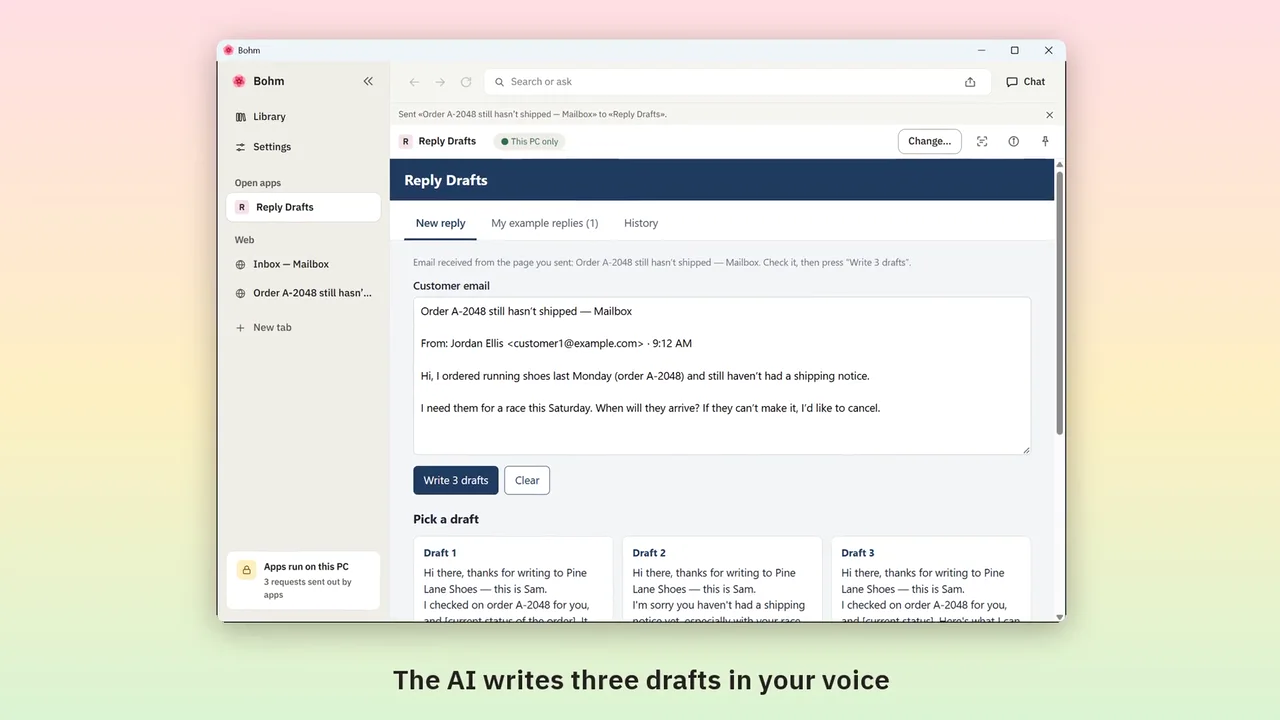
Customer emails into reply drafts
Send a customer email from your webmail; get three drafts in the way you write.
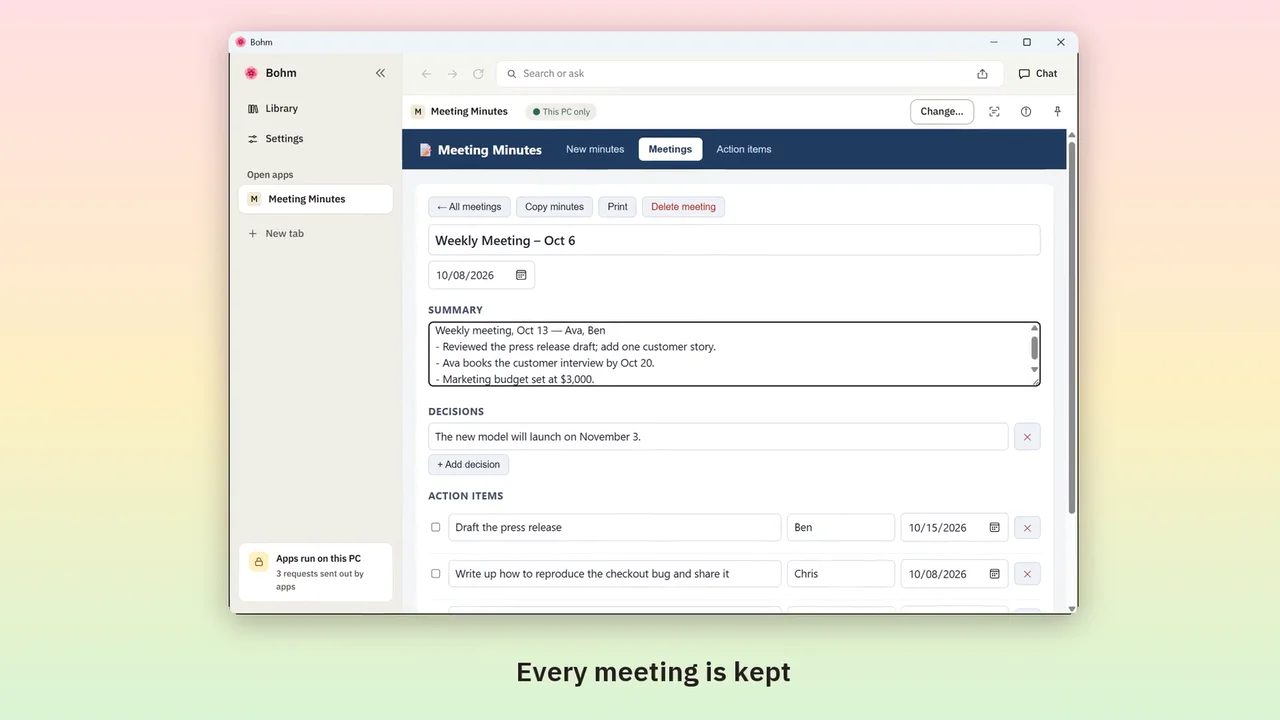
Meeting notes into minutes and action items
Paste rough notes; the AI writes minutes and gathers every action item, with owners and dates.
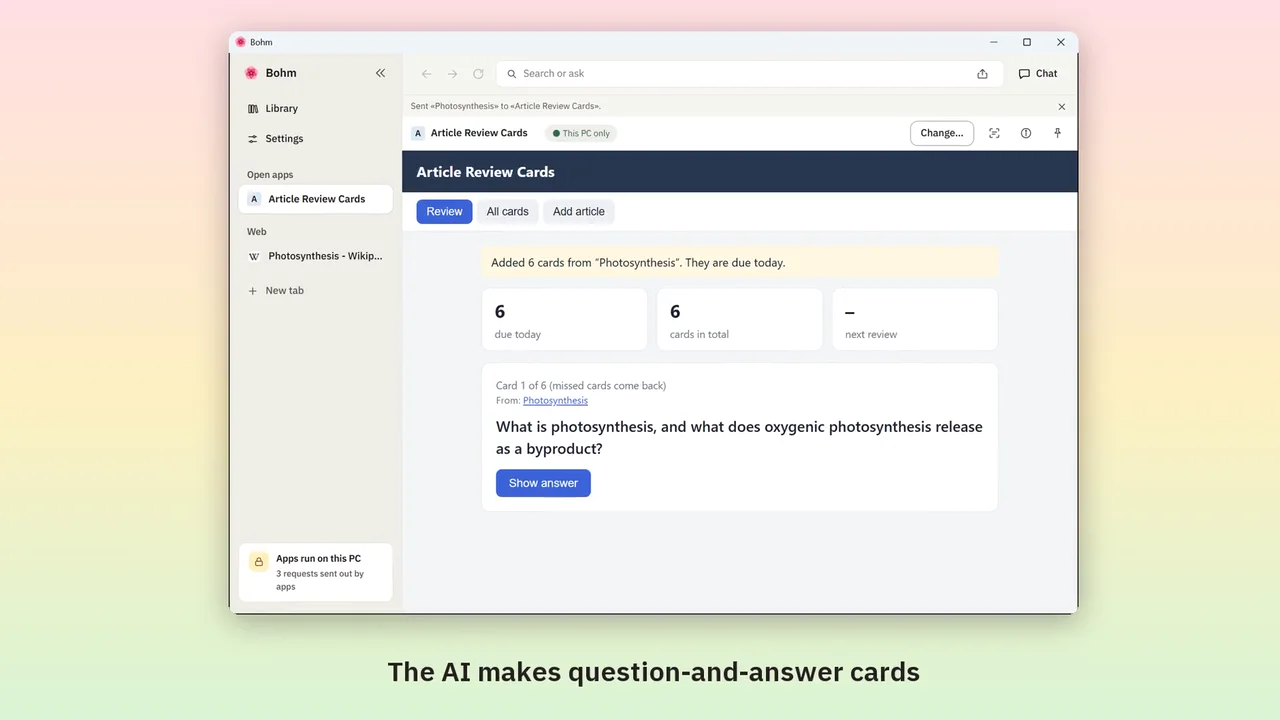
Web articles into review cards
Send an article from its tab; the AI makes question-and-answer cards, due on a schedule.
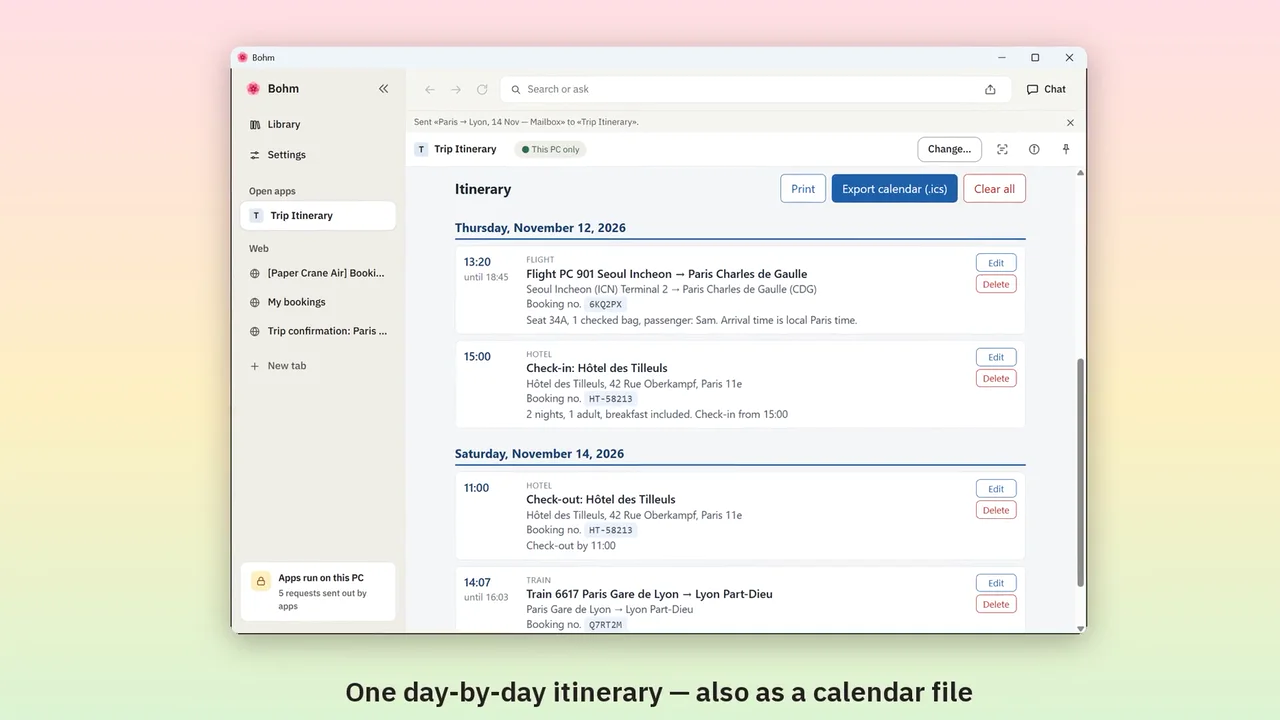
Booking confirmations into an itinerary
Send booking emails and pages from their tabs; get one day-by-day itinerary and a calendar file.
Try it with the app you need.
Bohm is free on Windows 10 and 11. It installs without administrator rights and works well even on an internal network with no internet access.