Free · Open-source engine · Works offline

The apps you make with AI, still working next month.

A browser with AI beside your tabs, and the place where the apps you describe are made and kept. Write the app you want, try it, keep it — its data stays on your PC. An HTML app you already have runs here too.

Why Bohm

Making a useful app with AI is the easy part now. Keeping it in use is where it stops. Clear the browser and the records you kept are gone. The AI key gets pasted into the file. A new version no longer fits the data you already entered. Bohm is a browser built for that second part: the place you make an app is the place it keeps running.

How it works

Describe it. Use it. Point at what should change.
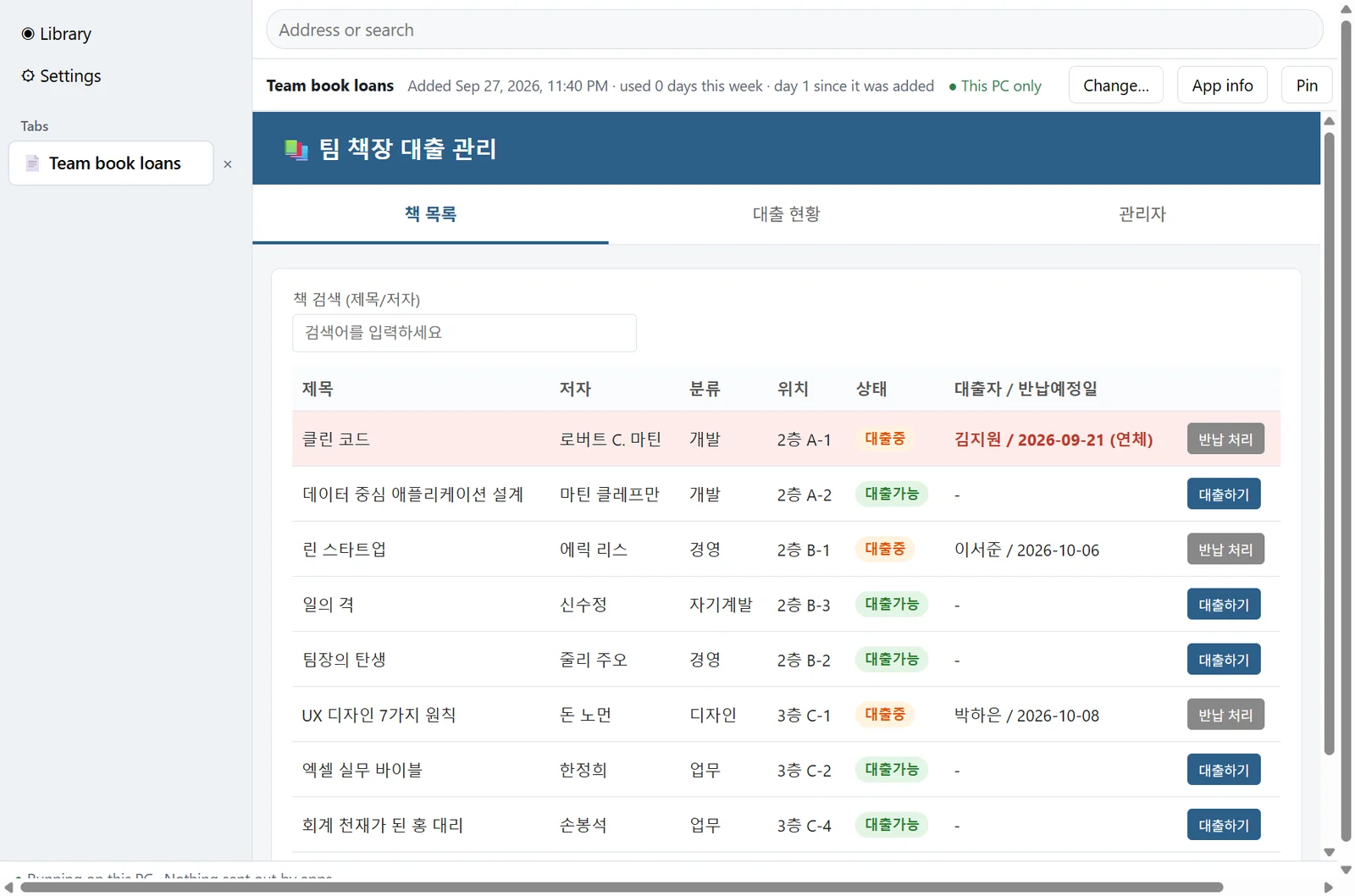
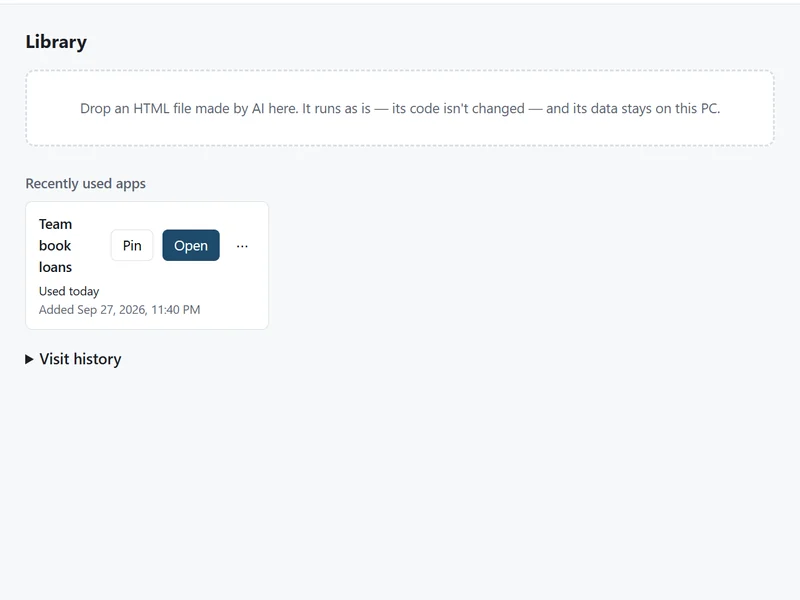
Describe it. Write the app you want on the first screen. The AI makes it and shows it to you — try it, and keep it if you like it. It gets its own tab and its own place for data.
A receipt expense app made in Bohm, listing expenses with their receipt photos
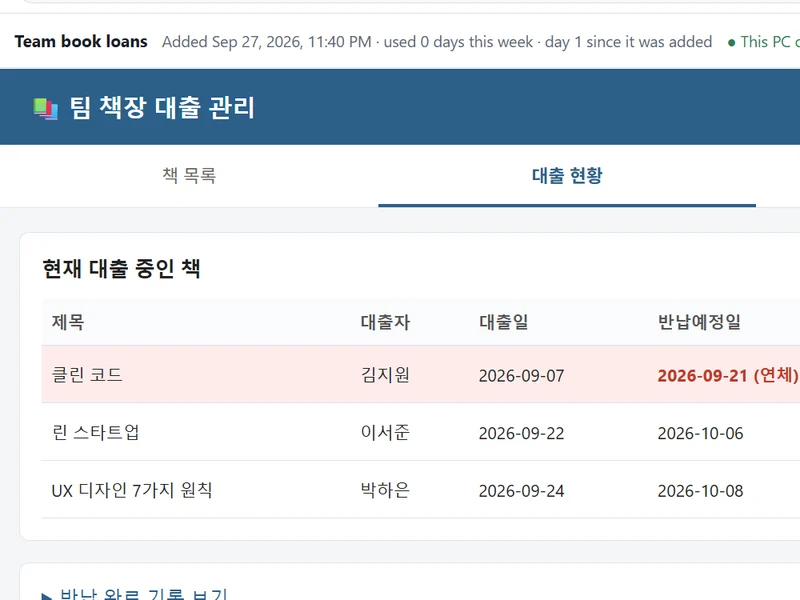
Use it every day. What you enter is saved to a folder on your PC. Close the tab or restart the computer — it is there the next time.
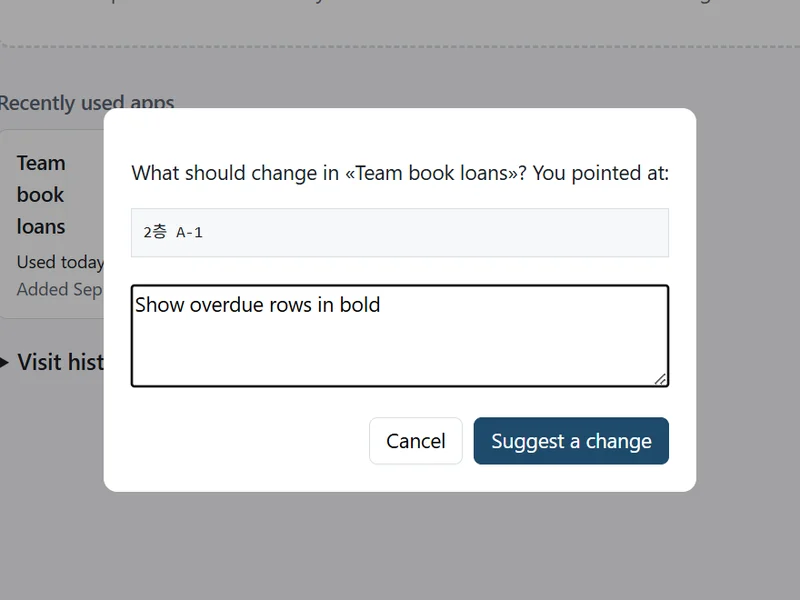
The expense list pointed at, and beside it the request for a trip field and the suggested change
Point and ask for a change. Click the part you want different and say what should change. It arrives as a suggestion; apply it and your data stays.

Making an app in another AI chat? Paste this text in with your request — the HTML file it gives you runs in Bohm as it is. Read the text

Your data

The app can be made again. The data cannot.

Make the app again and change it as often as you like. Its data, and what it may send out, stay in Bohm’s keeping.

One folder on your PC. Apps, their data and your settings live in one folder. Copy it to back up, or export one app with its data and versions.
One step back, always. Every change you apply becomes a new version, and its data carries over. «Previous version» brings back the code and the data as they were.
Nothing disappears quietly. Archiving keeps the app and its data. Deleting moves them to the Recycle Bin, where you can still restore them.

AI inside your apps

Apps that call AI, without a key in the file.

Your key, kept by Windows. When an app calls an AI service, Bohm answers with the key you connected. The key stays in the Windows credential store and is never handed to the app.
Or a model on your PC. Without a key, apps can get their answers from a model file on your PC. Quality follows the model — a stronger one gives more reliable results.

Your web pages

Made once with AI. Run again without it.

The chat beside your tabs reads the pages you have open — signed in as you, in your own tab — and the answer can be kept as an app. From then on, “Read again” runs it with no AI at all.

Bohm’s chat beside a web page, answering from the three open tabs
Ask about open pages. Compare, summarize or pull tables together across the tabs you have open. The pages it read are listed under the answer.
Let it fill in and click. Ask it to open a site or do something on a page. A search goes ahead; anything that submits, pays, posts, sends or deletes waits for your confirmation.
An app saved from an answer, showing league tables read from three web pages, with Read again
Save the answer as an app. A question you ask every week becomes an app. “Read again” reads the same pages with the same rules — no AI needed.

Why an app in your browser, not an app builder

Offline

Private enough for a place with no internet.

Bohm runs on your PC and keeps working when the internet does not.

Works offline. The apps you made or brought in keep running without an internet connection. Nothing signs in or checks with a server first.

Apps cannot send your data out. An app that tries to reach another site is blocked, and Bohm tells you what it tried.

Still your browser. Tabs, an address bar and history that stays on your PC. Point the search box at the search you use.

The engine is open source.

The runtime that runs your apps, keeps their data and applies every change is published under AGPL-3.0. What Bohm does with an app and its data is there to read, not to take on trust.

See the source

An AI file explorer, and working agents for your folders.

Visit Filer
  • An AI file explorer

    Ask about the files in the folder you are in, or right-click any file for a one-off.

  • Working agents for your folders

    Write what you want in plain language. The folder’s agent works when files arrive, on a schedule or when a message comes in — and keeps going while you are away.

Bohm and Filer share one idea. Make it in plain words, use it, change it whenever you like — no developer in between.

Try Bohm.

Bohm is free on Windows 10 and 11. It installs without administrator rights and works without an internet connection.

Only want news? Get an email when something new ships.

We store your email address and the network address it is sent from, keep them until you unsubscribe (every news email says how) and delete them within thirty days after, or sooner on request — see the Privacy Policy.

Waiting for a Mac version? We will email you when it is out.

We store your email address and the network address it is sent from, keep them until we tell you Bohm for Mac is out and delete them within thirty days after, or sooner on request — see the Privacy Policy.

Questions or ideas?

Tell us what you make with AI, or what you would need Bohm to do.

We store what you write, your email if you give one, and the network address it is sent from, and delete them within twelve months or sooner on request — see the Privacy Policy. You can also write to hello@bohmbrowser.com.